
A regular video Pin on Pinterest can run from 4 seconds up to 5 minutes. Video ads stretch to 15 minutes and 2 GB, which is why you see both numbers online. For quality, Pinterest recommends a 9:16 frame at 1080 by 1920 pixels.
Everything here was checked against Pinterest’s own help pages on October 26, 2026.
Pinterest Video Limits at a Glance
| Spec | Regular video Pin | Standard video ad |
| Length | 4 seconds to 5 minutes | 4 seconds to 15 minutes |
| File size | Not listed on the Pin specs page | Up to 2 GB |
| Formats | MP4 and M4V on the web. MP4, MOV and M4V in the apps | MP4, MOV and M4V |
| Encoding | H.264 or H.265 | H.264 or H.265 |
| Aspect ratio | 9:16 recommended for full screen. Also 1:2, 2:3, 3:4, 4:5 and 1:1 | Square or vertical recommended |
| Recommended length | Not stated | 6 to 15 seconds |
Pinterest updates these pages from time to time. If a number matters for a big project, open the source and check it before you export a whole batch.
How Long Can a Pinterest Video Be?
For regular Pins, the limit is 5 minutes. The minimum is 4 seconds. Pinterest sets both on its Pin specs page, and that page covers what you upload through the normal Pin creation tool.
A 3 second clip won’t go through. Neither will a clip that runs 5 minutes and 20 seconds.
One creator on the Pinterest Community forum hit a VIDEO_LENGTH_LIMIT_EXCEEDED error while uploading a 10 minute MP4. The file size was fine. A Pinterest team member pointed to the 5 minute figure on the specs page, and that was the end of it.
Notice what the Pin specs page leaves out. It gives no recommended length for regular Pins. You get a range and the rest is up to you.
Why Some Guides Say 15 Minutes
Search this topic and you’ll find two camps. One says 5 minutes, the other says 15. Both are quoting real Pinterest pages, just different ones.
The ad specs page lists standard width video ads at 4 seconds to 15 minutes, up to 2 GB. It also says these ads can be used in paid campaigns or to generate organic impressions. Max width video ads are paid only and share the same 15 minute ceiling.
So which number applies to you? For a normal upload, plan around 5 minutes. The 15 minute figure belongs to the ad format, and Pinterest doesn’t explain on either page how the two limits relate.
If you run a business account and truly need a longer clip, test a small file in the ad creation flow first. Don’t build a whole content calendar around a number you haven’t tried. Idea ads are a separate case. Their videos cap at 5 minutes.
Pinterest Video File Size Limit
Here’s a gap worth knowing about. The Pin specs page lists a file size for images (20 MB on web) but none for video. The best published ceiling for video comes from the ad specs, which say up to 2 GB.
Idea ads have their own rules. Pinterest recommends about 1 GB, allows up to 2 GB on Android and iOS, and limits web uploads to 100 MB.
That 100 MB web limit applies to Idea ads, not regular Pins. If a large file fails on desktop, try the app, or trim the clip and export again.
For a rough sense of scale, a 5 minute 1080p clip exported at 8 Mbps comes out near 300 MB. That’s an estimate, since real size depends on your bitrate. Most single Pins won’t come anywhere near 2 GB.
Supported Formats and Codecs
On the web, Pinterest accepts MP4 and M4V. In the iOS and Android apps, MOV works as well.
For encoding, Pinterest lists H.264 and H.265. H.264 is the more widely supported choice, so it’s the safer default if your editor offers both.
Got a MOV file and you’re on a desktop browser? Export it as MP4 before you upload.
Best Aspect Ratio and Resolution for Video Pins
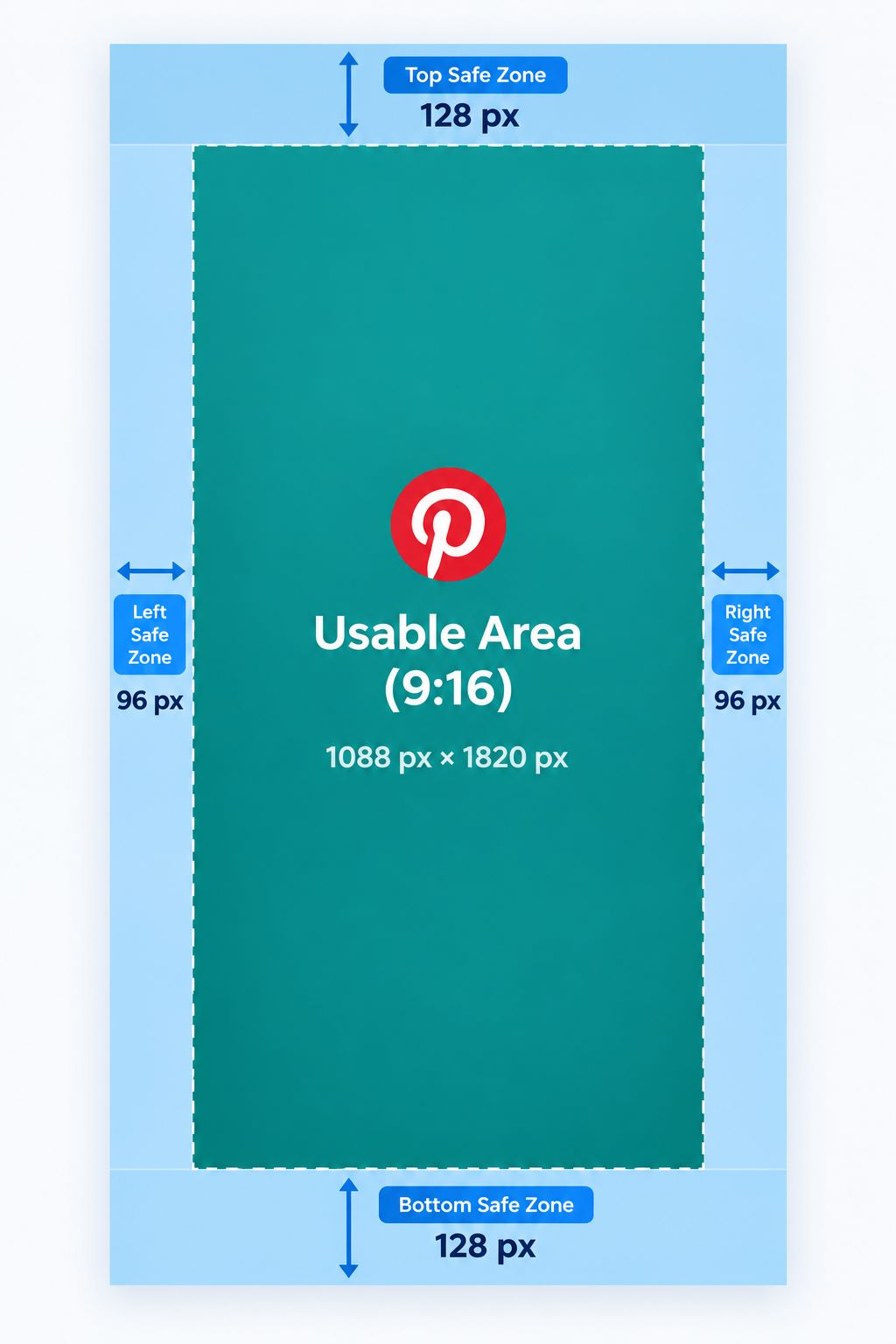
For full screen video, Pinterest recommends 9:16, or 1080 by 1920 pixels. Other accepted ratios are 1:2, 2:3, 3:4, 4:5 and 1:1.
Pinterest’s help page doesn’t list a maximum resolution for regular video Pins. So 1080 by 1920 is the number to aim for, not a hard cap.
Pinterest also publishes safe zone margins: 270 px at the top, 65 px on the left, 195 px on the right and 790 px at the bottom. Keep text, logos and key action inside what’s left. The wording on the page is loose, so preview the video on a phone before you publish.
How Quality Holds Up After You Upload
Pinterest doesn’t publish how it re-encodes uploads. That means you can’t predict exactly what a viewer sees, so the sensible move is to give Pinterest a clean file to start with.
Export from your editing software, not from a screen recording. Skip clips that already went through a messaging app, because each round of compression strips detail you won’t get back. And don’t export a tiny version on the theory that Pinterest will compress it anyway.
If your message depends on words, burn captions into the video and keep them large. Small text inside the margins gets hard to read on a phone.
How to Prepare a Video for Upload
- Trim the clip – Keep it between 4 seconds and 5 minutes. Cut anything that doesn’t earn its place.
- Set the frame – Choose 9:16 at 1080 by 1920 for full screen, or another ratio from the accepted list.
- Place text carefully – Keep titles and captions inside the safe zones.
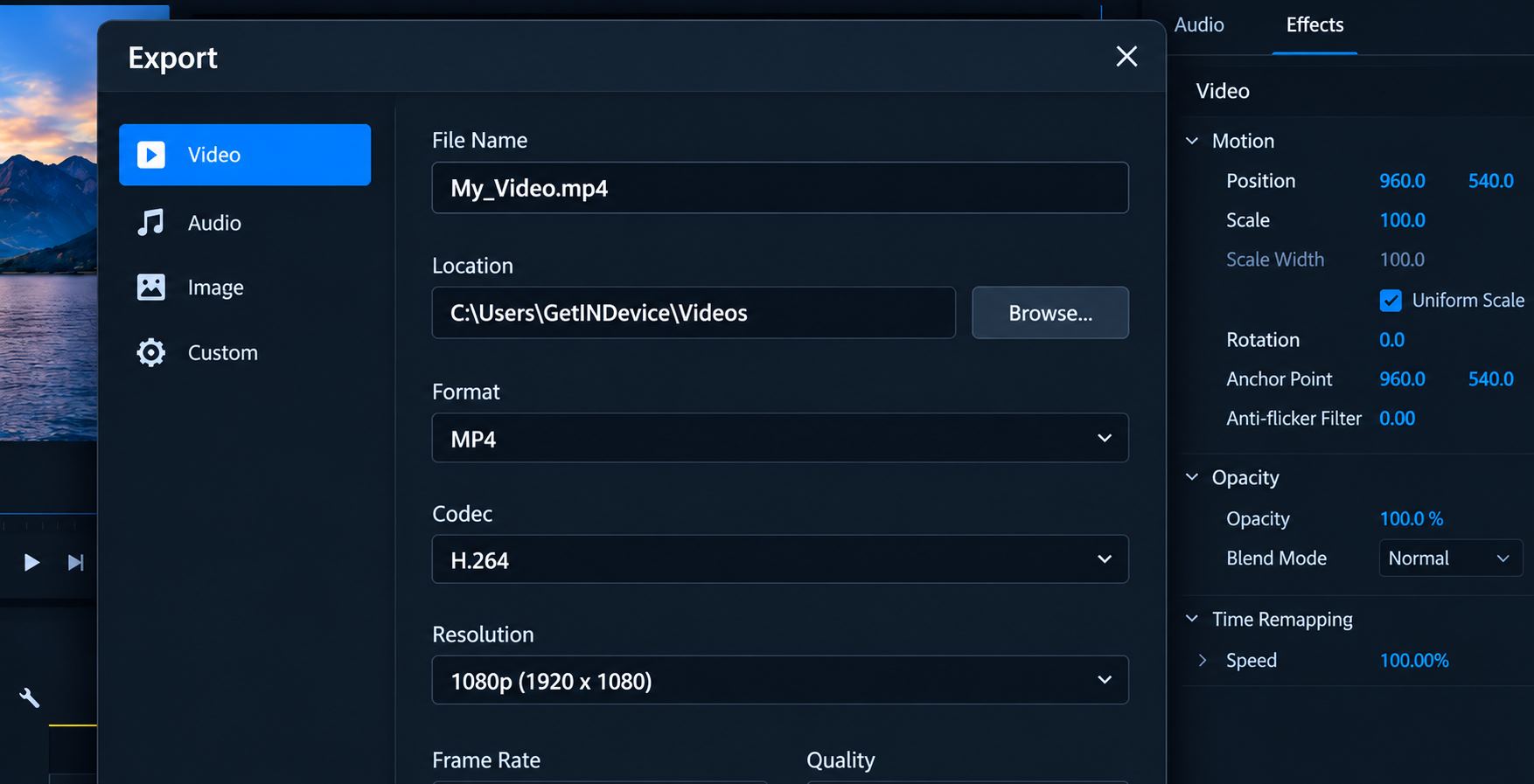
- Export as MP4 – Pick H.264 and a sensible bitrate.
- Check the file size – Stay well under 2 GB, and under 100 MB if you plan to upload from desktop.
- Preview on a phone – Play it the way viewers will see it before you hit publish.
What About Videos You Already Posted?
Say you posted a video and later lost the original file. If the Pin is public, our pinterest video download page can fetch it, one link at a time. It doesn’t work with secret boards or private profiles, and it can’t add resolution that was never uploaded.
Stick to your own videos or content you have permission to keep. If a Pin won’t cooperate, we explain the usual reasons why some Pinterest videos can’t be saved.
Longer Videos vs Shorter Videos: Pros and Cons
Neither wins every time. It depends on what you’re showing.
Longer videos, closer to 5 minutes
Pros
- Room for a full tutorial, recipe or walkthrough in one Pin
- One destination link covers the whole piece
- Viewers who want detail get it
Cons
- Pinterest’s own ad guidance leans toward 6 to 15 seconds, which hints that shorter formats suit paid placements
- Bigger files and more upload failures on slow connections
- More editing work, and more effort to hold attention
- Harder to reuse on other apps (our guide on reposting Pinterest videos to Reels and TikTok covers that)
Shorter videos, under a minute
Pros
- Quick to make and easy to test in several versions
- Small files that upload reliably
- Closer to Pinterest’s recommended range for video ads
Cons
- Little room for depth
- A multi-step project may need several Pins
The only way to know what suits your audience is to try both. Post one short and one long version of the same idea, and compare how each one is received.
Frequently Asked Questions
For regular video Pins, it’s 5 minutes. Video ads can run up to 15 minutes under Pinterest’s ad specs.
4 seconds. Anything shorter gets rejected.
The Pin specs page doesn’t list one for video. The ad specs allow up to 2 GB, and Idea ads on web are limited to 100 MB.
Pinterest recommends 9:16, or 1080 by 1920 pixels, for full screen video. Other accepted ratios are 1:2, 2:3, 3:4, 4:5 and 1:1.
MP4 and M4V on the web. MP4, MOV and M4V in the iOS and Android apps. Encoding should be H.264 or H.265.
16:9 isn’t on Pinterest’s list of accepted ratios for regular video Pins. Reframe the clip to 9:16, 2:3 or 1:1 for the best result.
Pinterest’s help pages don’t describe how it processes uploads. Start with a clean, well exported file and you give it the best chance of looking sharp.
Length is the usual cause, so check that first. After that, look at the format and the encoding.