
Facebook is quietly one of the biggest video platforms on the internet. Reels, live streams, tutorials, recipe clips, interviews, product demos – most of it now lives inside video, not text posts. And yet, if you’ve ever tried to save one of these videos for later, you already know the problem: Facebook simply doesn’t give you a “download” button for most public content.
That one missing feature has created an entire category of tools. Every day, thousands of people search for a way to save a Facebook video before it gets deleted, before a Page goes private, or just so they can watch it later without burning mobile data on autoplay. It makes sense once you look at the numbers – according to DataReportal’s Facebook usage data, video now accounts for roughly half of all time people spend on the platform, and that share keeps climbing every year. When that much of an app is video, “I want to save this for later” stops being a niche request and becomes something almost everyone runs into eventually.
We spent time actually using the most commonly recommended Facebook video downloaders – not just reading their homepages – to see which ones hold up in real conditions: slow connections, mobile browsers, Reels vs. regular posts, and the ads and redirects that plague a lot of “free” tools in this space. Below is what we found, along with honest answers to the questions people usually type into Google right before (or right after) trying one of these tools.
Why People Actually Search for a Facebook Video Downloader
Before comparing tools, it’s worth understanding why this need exists in the first place, because it shapes which tool is actually right for you.
Most people land on a Facebook downloader for one of a handful of reasons:
- They found a recipe, tutorial, or workout video and want it saved offline for later.
- A Page they follow posts great clips, but the algorithm buries old posts within days.
- They’re a student or teacher trying to save a lecture or demo shared in a group.
- A content creator wants a reference clip for editing, captioning, or re-cutting into a Reel.
- Someone is worried a video will get taken down or a Page will be deleted before they can watch it again.
Almost none of these use cases involve re-uploading someone else’s work as your own – that’s the part that actually gets people into trouble, and we’ll come back to it in the FAQ section below. For personal, offline use of public content, a downloader is simply solving a gap that Facebook itself left open – and it’s a gap that shows up across all of Meta’s apps, not just Facebook, which is part of why multi-platform tools have become more useful than single-purpose ones.
How We Tested and Ranked These Facebook Video Downloaders
We didn’t rank these tools by how polished their homepage looks. Instead, we used each one the way a normal person would: paste a public Facebook video link, try a Reel, try a longer clip, and see what actually happens.
Here’s what we paid attention to:
- Does it download directly, or does it bounce you through ads and redirect pages first?
- Does it work without an account, login, or app install?
- How does it behave on mobile, since most Facebook browsing happens on a phone, not a desktop?
- Does it support Reels and Watch links, not just old-style shared videos?
- How intrusive are the ads, if there are any at all?
- Does it work for people outside English-speaking countries, given how global Facebook’s user base actually is?
Six tools consistently came up as the ones worth talking about. We’re covering all six here, ranked by how they actually performed during testing rather than by name recognition alone.
1. GetInDevice – The Best Overall Facebook Video Downloader
GetInDevice is the tool we kept coming back to, and it’s not close. Where most Facebook downloaders are single-purpose sites built years ago and never really updated, GetInDevice feels like it was built for how people actually use social media right now – across multiple platforms, mostly on a phone, and without patience for redirect loops.
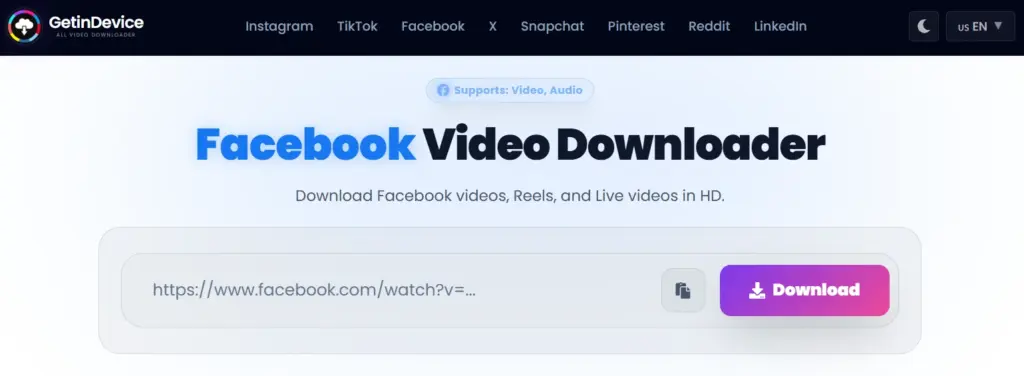
The core workflow is simple: paste a Facebook video, Reel, or Watch link, and the video processes and downloads without being routed through three ad pages first. That sounds like a small thing until you’ve used a tool that isn’t like this – the difference in how “clean” the experience feels is immediate.
What makes it stand out:
- Direct downloads, minimal redirects. You paste a link and get a video, not a maze of “click here to continue” pages.
- It’s not Facebook-only. GetInDevice also handles Instagram, TikTok, Pinterest, X/Twitter, and a few other platforms, so you’re not bookmarking five different sites for five different apps.
- Genuinely global. The interface supports 40+ languages, which matters more than it sounds – a huge share of Facebook’s active users aren’t English speakers, and most competing tools clearly weren’t built with that in mind.
- Works properly on mobile. Since most Facebook video discovery happens in-app on a phone, a downloader that’s clunky on mobile is basically useless for the majority of people who need one. GetInDevice’s mobile experience doesn’t feel like an afterthought.
- No login, no app install, no data collection prompts. You’re not handing over an email address to download a public video.
- Supports Reels, public posts, and audio extraction, so it covers the formats people are actually trying to save in 2026, not just the “classic” Facebook video post.
Where it could improve: it’s a newer name compared to some of the decade-old tools further down this list, so it doesn’t have the same brand recognition yet, and power users looking for granular manual quality controls will find the interface intentionally simple rather than packed with settings.
Best for: anyone who wants one reliable downloader that covers Facebook and the other platforms they actually use, without ads getting in the way. If you only ever download from Facebook and never touch another app, a single-purpose tool might feel marginally more familiar – but for most people, GetInDevice is simply the more complete and more pleasant tool to use.
2. FDown.net – The Long-Standing Classic
FDown.net has been around long enough that it’s practically the default answer whenever someone asks “how do I download a Facebook video” in an old forum thread. That longevity says something – it has clearly survived multiple rounds of Facebook changing its video URL structure, which trips up newer or poorly maintained tools.
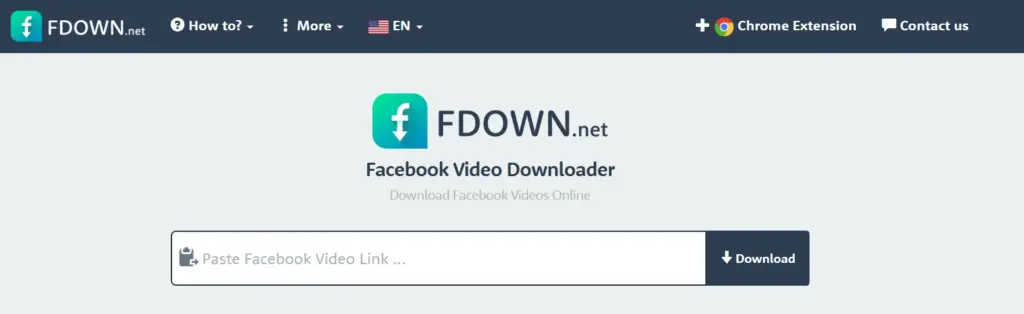
The workflow hasn’t changed much over the years: paste the link, pick a quality, download. It’s not flashy, and it doesn’t try to be. For a straightforward public video or Reel, it does the job reliably, and it works reasonably well across both mobile and desktop browsers.
Where it shows its age is in the interface, which feels like it hasn’t been redesigned in years, and in the fact that it’s Facebook-only – useful if that’s genuinely all you need, less useful if you regularly save clips from other platforms too.
Best for: people who want a no-frills, Facebook-only tool and don’t mind a dated interface in exchange for a long track record.
3. SaveFrom.net – The Veteran That Refuses to Slow Down
SaveFrom.net is one of the oldest names in the download-tool space, and it’s stuck around by covering a lot of ground: Facebook, YouTube, Vimeo, and a handful of other platforms, all from the same paste-a-link box. It’s the tool a lot of people already have muscle memory for, which counts for something.
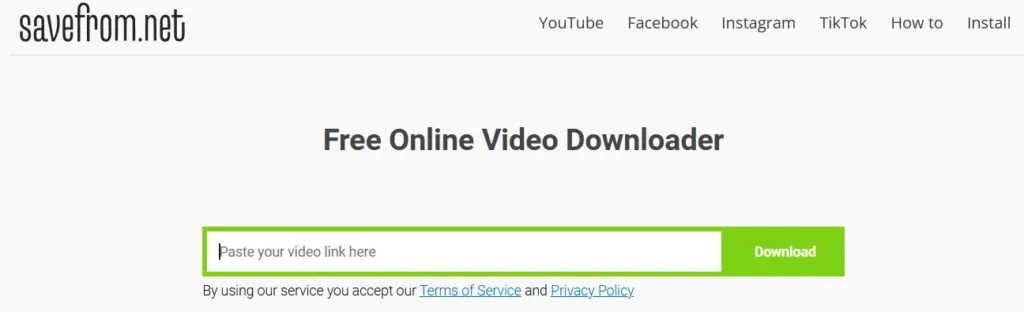
In testing, it handled standard Facebook video links well, offered SD and HD quality choices, and didn’t require any login. It also offers a browser extension that adds a download button directly onto supported pages, which is a genuinely convenient touch if you download often. The trade-off is an interface that’s cluttered with ads around the actual download box, and it’s worth being deliberate about which button you click – a habit anyone who’s used the site for years will already have, but one that can trip up a first-time visitor.
Best for: long-time users who already know their way around the site, or anyone who wants a single tool that also covers YouTube and other platforms occasionally.
4. SnapSave.app – Strong on Quality, Reasonable on Ads
SnapSave.app has built a real following, and using it, it’s easy to see why. It pulls in Facebook videos and Reels at higher resolutions than a lot of competitors bother to offer – up to Full HD and, when the source supports it, even higher – and it also converts to MP3 if you just want the audio. No account, no watermark, and it works the same way on a phone as it does on a laptop.
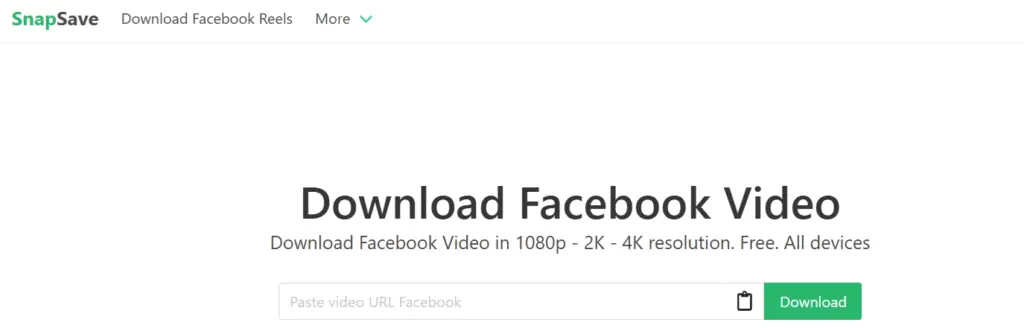
The catch is fairly typical for a free tool in this space: expect some ads around the download button, and pay attention to which one you’re actually clicking. It’s not as aggressive as the worst offenders in this category, but it’s also not ad-free. Where SnapSave earns its spot on this list is consistency – Reels, Stories, and regular Watch links all worked without much fuss during testing, which isn’t true of every tool here.
Best for: people who care about getting the highest quality file possible and don’t mind a light ad or two to get there.
5. SmallSEOTools Facebook Video Downloader – Reliable, but Built Into a Bigger Toolkit
SmallSEOTools is better known as a massive free SEO utility site – plagiarism checkers, word counters, backlink tools – and its Facebook video downloader is one small corner of that larger toolkit. That background actually works in its favor: the domain has been around for years and isn’t going anywhere overnight, which is more than can be said for a lot of downloader sites that pop up and disappear.
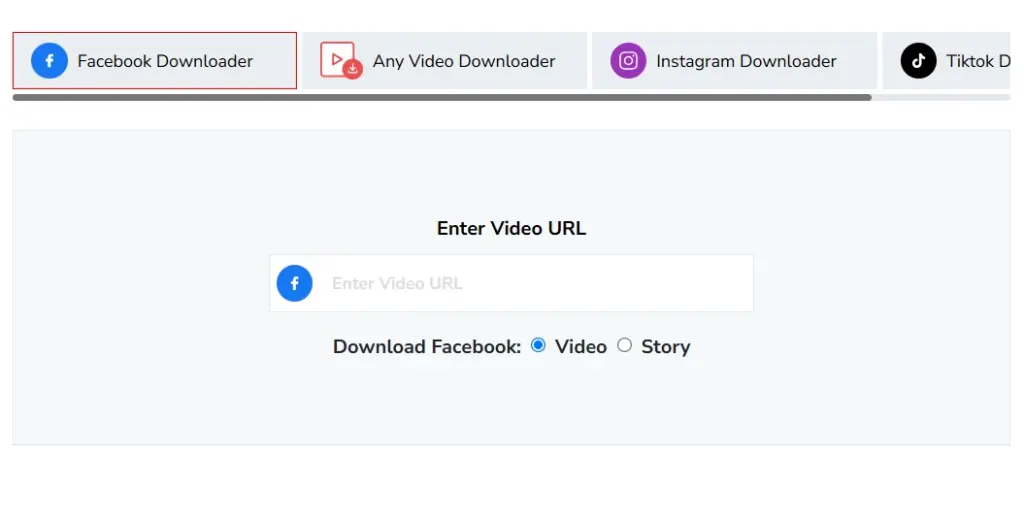
The downloader itself does what it promises – paste a link, preview the video, download in HD without needing an account. It also supports Facebook Stories, which not every tool on this list bothers with. Because it’s one tool among dozens on a much larger site, though, the experience feels a little more generic than something purpose-built for Facebook downloads, and a few users have reported occasional hiccups with less common link formats.
Best for: people who already use SmallSEOTools for other things and want one trusted account-free destination for a quick Facebook download too.
6. FGet.io – For Multi-Platform Habits
FGet.io takes a different angle: instead of specializing in Facebook, it spreads across several social platforms so you can use one tool regardless of where a video came from. For people who bounce between apps throughout the day, that flexibility has obvious appeal.
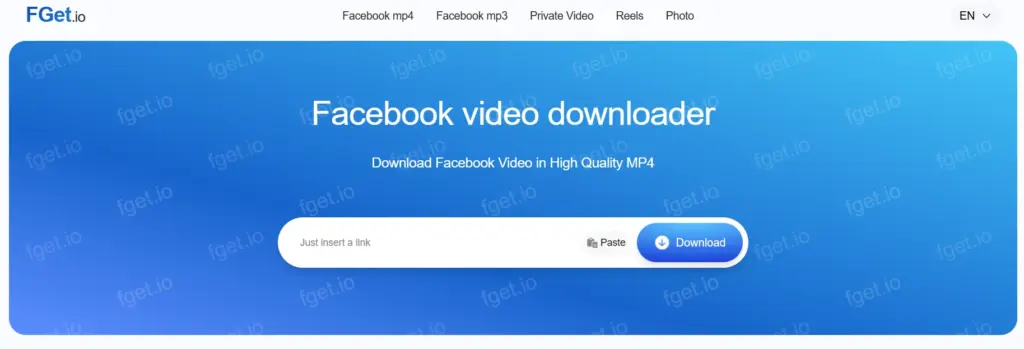
The copy-paste workflow is simple and works fine on both mobile and desktop. The trade-off is that because it’s not built specifically around Facebook’s quirks – Reels vs. Watch links vs. group posts – the experience feels a bit more generic than tools that focus on Facebook alone, and the interface doesn’t feel like it’s had much attention recently.
Best for: people who want a single, “good enough” tool for grabbing videos from a few different platforms without switching tabs constantly.
Quick Comparison: Facebook Video Downloaders at a Glance
| Tool | Best For | Direct Download | Platforms | Login Required | Ads |
|---|---|---|---|---|---|
| GetInDevice | Overall best, multi-platform use | Yes | Facebook + Instagram, TikTok, Pinterest, X & more | No | Minimal |
| FDown.net | Classic Facebook-only downloads | Partial | Facebook only | No | Some |
| SaveFrom.net | Long-time users, occasional YouTube too | Partial | Facebook, YouTube & more | No | Some |
| SnapSave.app | Highest available video quality | Partial | Facebook + Instagram, X & more | No | Light-Moderate |
| SmallSEOTools | Users of its wider SEO toolkit | Yes | Facebook only | No | Light |
| FGet.io | Casual multi-platform downloads | No | Facebook + a few others | No | Light |
Which One Should You Actually Use?
If you want the short answer: GetInDevice is the one worth bookmarking. It’s the only tool on this list that combines a clean, direct-download experience with real multi-platform support and genuine language accessibility – and in 2026, most people aren’t only downloading from Facebook. They’re saving a Reel today, an Instagram clip tomorrow, and a TikTok the day after. Having one dependable tool for all of that beats juggling several different bookmarks.
That said, the other tools here aren’t bad – they’re just narrower or a little heavier on ads. FDown.net is a solid fallback if you specifically want a Facebook-only tool with a long history. SaveFrom.net is worth knowing if you also occasionally pull videos from YouTube. SnapSave.app is the one to reach for if maximum video quality matters more to you than a completely ad-free page. SmallSEOTools is a sensible pick if you’re already inside its toolkit for other tasks. FGet.io rounds things out as a casual, multi-platform backup.
Common Questions About Downloading Facebook Videos
Saving a public Facebook video for your own personal, offline use – to watch later, for reference, or for research – generally isn’t something you need to worry about. Where it becomes a real problem is re-uploading someone else’s video as your own, using it commercially without permission, or profiting from it in any way. That crosses into copyright territory, and it’s worth understanding the basics rather than guessing. Meta’s own copyright policy explains how this applies specifically on Facebook and Instagram, and the U.S. Copyright Office’s fair use overview is a solid, neutral explainer of where personal use ends and infringement begins, regardless of which platform a video came from. As a simple rule: download for yourself, credit the creator if you share anything, and don’t monetize content that isn’t yours.
The tools we’ve covered here don’t ask for your Facebook login, don’t require an app install, and don’t ask for personal information beyond the video link itself – that’s a reasonable baseline for “safe.” The tools to actually be cautious of are the ones that ask you to log into Facebook inside a third-party site, or that push you to install a browser extension from an unfamiliar source. Neither of those should be necessary to download a public video.
This is one of the most common frustrations people run into, and it’s rarely the downloader’s fault. The most common causes are a private post (downloaders can only reach public content), a broken or shortened link that didn’t copy correctly, or a video that’s been deleted or made private since it was shared. If a tool that normally works suddenly fails on one specific link, try re-copying the URL directly from the post rather than a forwarded or shortened version. We’ve covered this in more depth in our guide on why Facebook videos won’t download.
No, and you should be skeptical of any tool that claims otherwise. Link-based downloaders only work on content Facebook is already serving publicly. If you need to save a private video – your own upload, a private group recording, or something a friend shared with you – the legitimate route is downloading it directly from inside your Facebook account, or asking the person who posted it to share the file with you directly. Our guide on downloading Facebook Live, private, and group videos walks through the correct way to do that.
You’ll typically get whatever resolution Facebook is serving for that specific upload – often up to 1080p for Reels, and sometimes lower for older or lower-resolution page videos. A downloader can’t add detail that was never in the original file, so if a saved video looks softer than expected, that’s usually the source video’s quality, not the tool’s fault.
For every tool on this list, no. All five work directly in a browser, on both desktop and mobile, using nothing more than the video link itself. If you ever come across a “Facebook downloader” that insists on an app install or a login before it’ll process a link, treat that as a red flag rather than a normal requirement.
Yes – Reels use the same basic link-based process as regular Facebook videos, though not every downloader handles them equally well, since Reels use a slightly different URL structure than older Watch links. This was actually one of the bigger differences we noticed in testing: some of the older tools on this list are noticeably less consistent with Reels than with standard video posts.
Final Verdict
Facebook video downloaders all promise roughly the same thing, but the actual experience of using them varies a lot more than their homepages suggest. After testing all six, GetInDevice is the one we’d point a friend to first – it’s fast, it doesn’t bury you in ads or redirects, it works properly on a phone, and it covers more than just Facebook, which matches how most people actually use social media today.
If you specifically want a Facebook-only tool with a long history behind it, FDown.net remains a dependable choice. The rest are worth knowing about as backups, but for day-to-day use, GetInDevice is the tool that makes the whole process feel like it should have worked this way from the start.
For more guides like this, browse our full Facebook coverage, or check our Featured picks for downloader roundups across other platforms.