
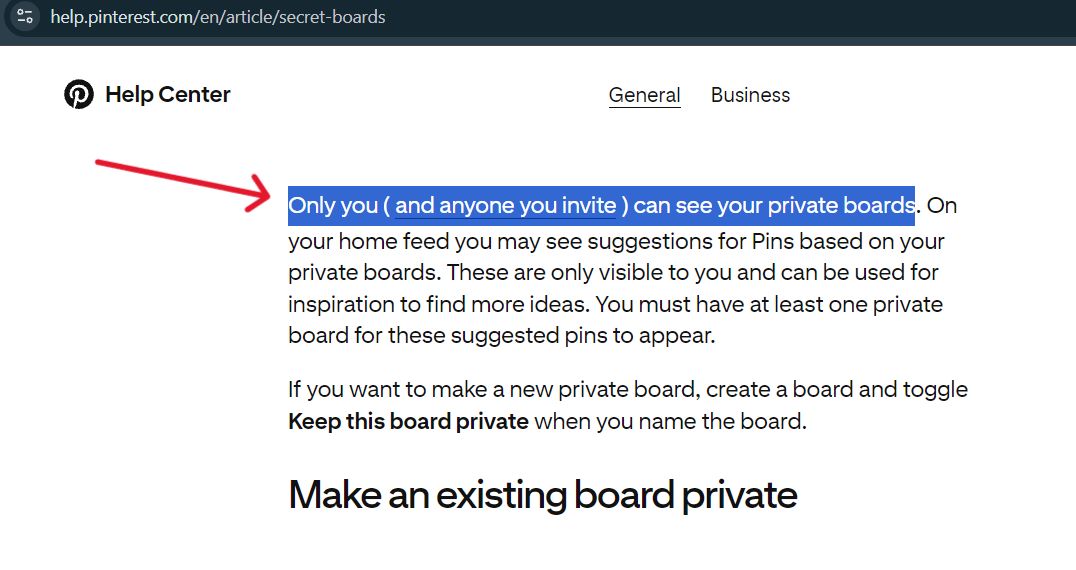
A Pinterest secret board is a board that only you and the people you invite can see. Public boards can be seen by anyone who can see your profile. A group board is any board you share with collaborators, and it can be public or secret. You can switch an existing board between public and secret from its Edit board settings. We checked Pinterest’s help pages on November 4, 2004.
Public, Secret and Group Boards at a Glance
| Public board | Secret board | Group board | |
|---|---|---|---|
| Who can see it | Anyone who can see your profile | Only you and people you invite | Depends on its setting, public or secret |
| Who can add Pins | You | You, plus collaborators you invite | You as owner, plus invited collaborators |
| Shown on your profile to others | Yes | No | Yes if public, no if secret |
| Can you switch it later | Yes, with Edit board | Yes, toggle the secret setting off | The owner manages settings and collaborators |
Sources: Pinterest Help, Secret boards, Create and manage group boards and Create a board. All checked November 4, 2026. Pinterest’s pages treat secret as the exception, so a board without the secret setting is public.
What a Secret Pinterest Board Is
Pinterest’s help page says only you, and anyone you invite, can see your secret boards. Pinterest may also use them to suggest Pins on your home feed. Those suggestions are visible only to you, and you need at least one secret board for them to appear.
Two small details are worth knowing. When you save a Pin to a secret board, the person you saved it from isn’t notified, and the Pin’s count doesn’t go up. When you save a Pin from a secret board, Pinterest doesn’t show the name of the person you saved it from on your new Pin.
Secret boards and their Pins also can’t be promoted through Pinterest ads, per the same page.
One more point catches people out. Secret doesn’t mean hidden from the people you invite. Anyone you add as a collaborator can see everything on the board.
Can Anyone Else Open a Secret Board Pin?
Only you and the people you invite can open a secret board, so a Pin that lives only there is out of reach for everyone else, including tools. Our pinterest video downloader page works with public Pins only, one link at a time. It can’t open a secret board or a private profile. If you need a video from a secret board, ask the owner to invite you or to make the board public. Use it for your own videos or content you have permission to keep.
How to Make a Board Secret, or Public Again
These steps come from Pinterest’s Secret boards page, checked November 4, 2026. Menu names can change a little between versions.
- Open the board – Log in, open your profile and click into the board you want to change.
- Open its settings – Click the three dots next to the board name, then click Edit board. In the app, tap the ellipsis icon, then Edit board.
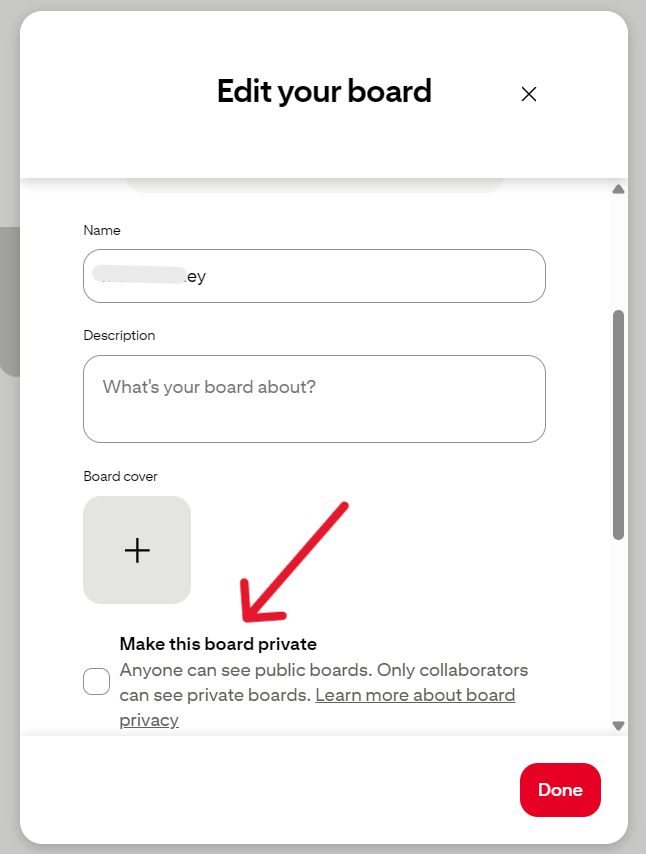
- Switch the setting – Toggle Keep this board secret on to hide the board, or off to make it public.
- Finish – Click Done.
For a brand new board, you toggle the same setting while you name it. Pinterest’s Create a board page shows that screen, and it lets you add collaborators at the same step.
Note that older articles still claim you can't make an existing board secret. Pinterest's own page now shows the steps above, so ignore those claims.
Group Boards: How They Work
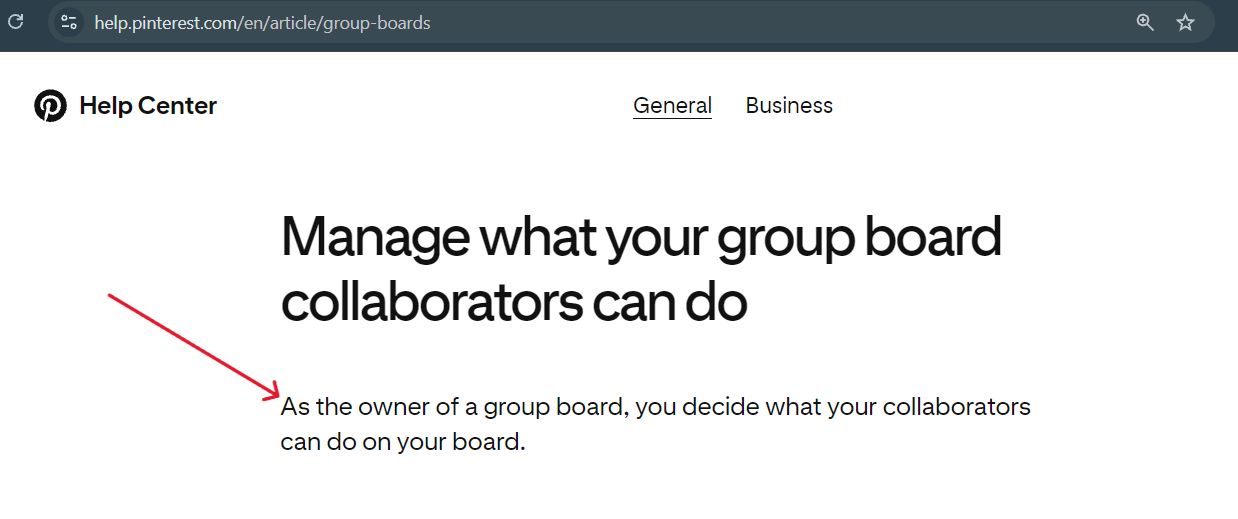
Pinterest’s help page says that as the owner of a group board, you manage its settings. You create one by inviting friends to a board you already have, and they get an email or a notification.
- You decide what collaborators can do on the board, where that feature is available. Pinterest notes it isn’t available to everyone yet.
- You can remove collaborators at any time.
- Collaborators can leave a group board, and the owner can delete it like any other board.
- You can sort the board to see Pins with the most reactions first.
- Collaborators can react to Pins with a clap, heart, lightbulb, question or thumbs down.
A group board can also be secret. The Create a board page lets you turn on the secret setting and add collaborators together.
When several people save to one board, the account that saved a Pin isn’t always the person who made it. Our guide on finding the original source of a Pinterest video shows how to trace the real creator.
Private Profile vs Secret Board
These two settings do different jobs. A secret board hides one board. A private profile limits your whole profile.
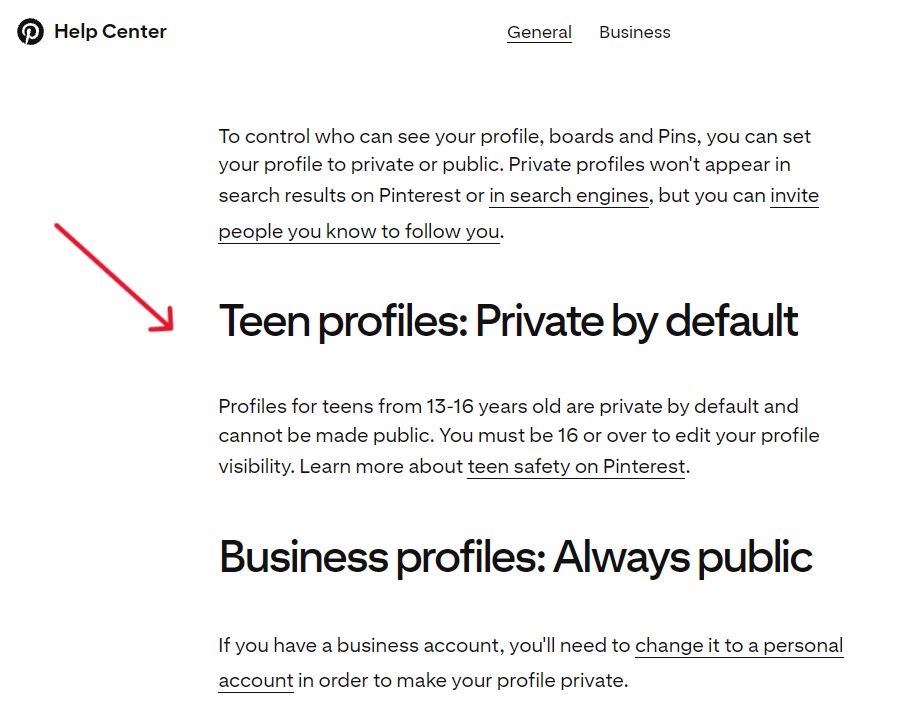
Pinterest’s help page on private profiles says a private profile controls who can see your profile, boards and Pins. You turn it on under Settings, then Profile visibility, then Private profile. Pinterest’s privacy settings page adds that private profiles don’t appear in search results on Pinterest or in search engines, although you can invite people you know to follow you. Both pages were checked November 4, 2026.
Two rules apply. Profiles for teens aged 13 to 16 are private by default and can’t be made public. Business profiles are always public, so you need a personal account to make a profile private.
Pros and Cons of Each Board Type
Public boards
- Pros: Easy to share, and anyone who can see your profile can see them.
- Cons: You can’t keep a public board from the people who view your profile.
Secret boards
- Pros: Good for planning a trip, an event or a surprise, or for drafts you aren’t ready to show. You choose exactly who sees them.
- Cons: Hard to share widely, and they can’t be promoted through Pinterest ads. Anyone you invite sees all of it.
Group boards
- Pros: Shared planning with reactions and sorting, with the owner in control.
- Cons: You need to manage collaborators, and their saves mix with yours.
Whichever board you choose, the Pins inside come in different formats. Our guide on Idea Pins vs Video Pins explains them.
Mistakes to Avoid
- Treating secret as locked from invitees – Collaborators see the whole board.
- Expecting tools to open a secret board – If a Pin only lives there, nobody outside the invite list can reach it. Our guide on why some Pinterest videos can’t be saved covers this and the other usual causes.
- Making a board public without a quick review – Scan the Pins first, because everything becomes visible at once.
- Leaving old collaborators on a board – Remove people who no longer need access.
- Mixing up a private profile with a secret board – One covers the whole profile. The other covers one board.
Pinterest Secret Board FAQs
A board that only you and the people you invite can see.
No, unless you invite them or make the board public. Pinterest’s help page says only you and anyone you invite can see a secret board.
Yes. Open the board, click the three dots, choose Edit board, and toggle Keep this board secret.
Yes. You can turn on the secret setting and add collaborators, and invited collaborators can see the board.
No. Pinterest says the person you saved from isn’t notified and the Pin’s count doesn’t increase.
No. Pinterest says secret boards and Pins can’t be promoted through its ads.