
A Kick VOD that isn’t showing is usually still processing, hidden by a privacy setting, split into parts after a disconnect, or already deleted by Kick after 7 or 30 days. Wait up to an hour, refresh the page, then check your dashboard. If it isn’t there either, the stream may never have saved. We checked Kick’s help pages on October 27, 2026. The facts below link to the pages they came from.
Quick Fixes When a Kick VOD Won’t Show Up
Work down the list, easiest first. Kick’s missing VOD page, dated May 12, 2026, is the source for these steps.
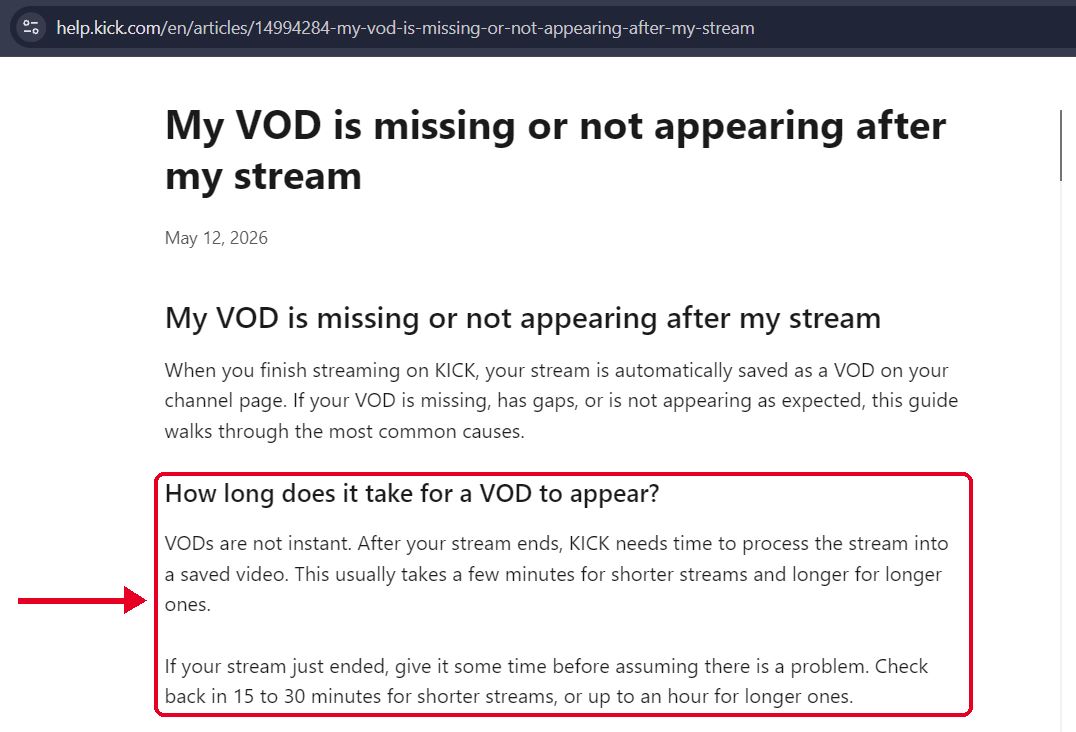
- Wait a little – VODs aren’t instant. Kick says processing takes a few minutes for a short stream and longer for a long one. Check back after 15 to 30 minutes, or up to an hour for a long stream.
- Refresh your channel page – Kick lists this as the first fix.
- Open your Streamer Dashboard – Kick says it lists all your saved streams, including ones that don’t show on your public page.
- Log out, log back in, and switch browsers – Kick also suggests trying the Kick app.
- Look for more than one VOD – If your stream dropped and reconnected, Kick may have split it into several VODs. Check the dashboard for others from the same date.
- Check the VOD’s visibility – A VOD set to private or unlisted can sit in your dashboard without showing on your channel.
Hidden, Late or Gone? What Each Sign Means
The way a VOD goes missing tells you a lot about the cause. Use this table to match what you see.
| What you see | Likely cause | What to do |
|---|---|---|
| The stream just ended and there is no VOD yet | Still processing | Wait, up to an hour for a long stream |
| The VOD is in your dashboard but not on your channel page | Private, unlisted, or still processing | Check the VOD’s visibility setting |
| The VOD stops partway through | The stream disconnected and was split | Look for other VODs from the same date |
| The VOD is missing from your dashboard too | The stream may not have saved | Contact Kick support |
| An older VOD has vanished | Kick deleted it after 7 or 30 days | It can’t be recovered |
If the Kick VOD is still public and you can open it, our kick vod downloader page can fetch it from a pasted link, so you can keep a copy before the timer runs out. It can’t fetch a VOD Kick has already deleted, a subscriber only VOD, or a stream that’s still live. Use it for your own streams or content you have permission to keep.
Why Kick VODs Seem to Disappear
It’s still processing – Kick turns the stream into a saved video after it ends, and that takes time. A VOD that isn’t ready won’t show on your channel page.
The stream was split – A dropped connection can cut one stream into several VODs. It looks like a missing ending, but the rest is often a separate VOD.
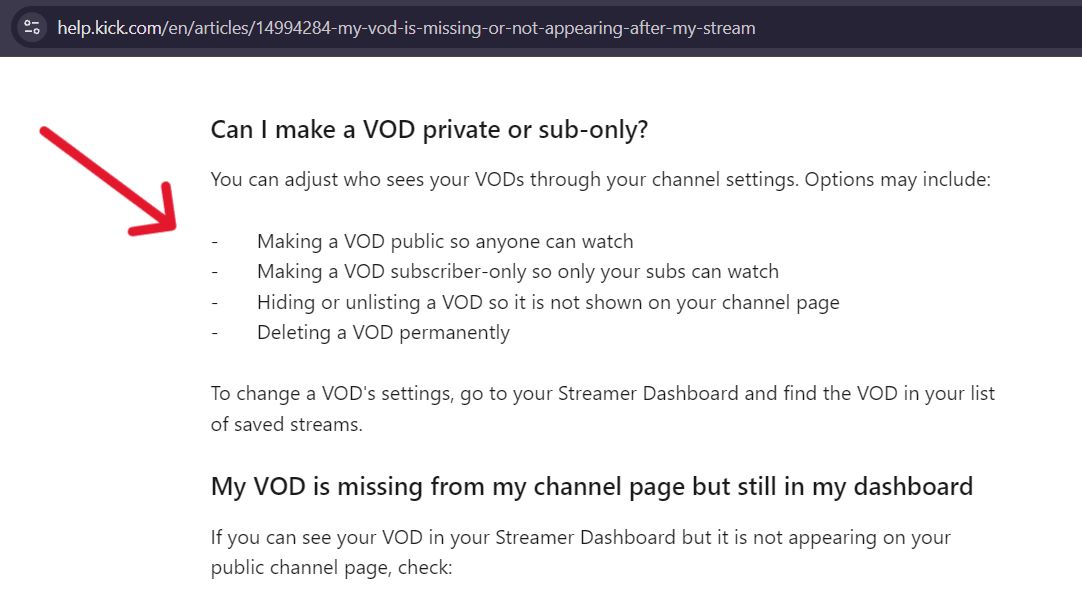
A privacy setting hides it – Kick says a VOD can be public, subscriber only, hidden or unlisted, or deleted. Only a public VOD shows to everyone.
The timer ran out – Kick keeps VODs for up to 30 days on a verified channel and 7 days on a non-verified one. It also caps how many replays a channel can hold, at 30 and 16. Those numbers come from Kick’s stream replays page, dated May 21, 2026. Our guide on how long Kick VODs last covers both limits in detail. You can check that post too.
The stream never saved – Kick says this can happen after a technical issue during processing, or when a stream ends very soon after going live.
One cause has no fix. Once Kick auto deletes a VOD, its team says it can’t recover it.
If You’re a Viewer, Not the Streamer
You can’t see the dashboard or the settings, so you can only check a few things.
- Refresh the page and try another browser or the Kick app.
- Make sure you’re on the Videos tab. Clips sit in a separate tab next to it, and our guide on Kick clips vs VODs explains the difference.
- Accept that an old VOD may simply be gone. From the outside, an expired VOD, a subscriber only VOD and a hidden VOD can look the same.
- Ask the streamer. They can see the dashboard and know which setting applies.
Pros and Cons of Each Fix
No single fix covers every case. Here is how they compare.
| Fix | Pros | Cons |
|---|---|---|
| Wait and refresh | Free, and it clears a processing delay | Does nothing for a hidden or deleted VOD |
| Check the dashboard | Lists every saved stream, even hidden ones | Streamers only |
| Contact Kick support | The only route for a stream that never saved | Needs details and a wait for a reply |
| Keep your own copy | Doesn’t depend on Kick’s timer | Takes effort and storage space |
When to Contact Kick Support
Write to Kick if the VOD is missing from the dashboard too, if only one VOD exists and it ends early, or if a stream should have saved and didn’t. Kick’s 24/7 support team asks for these details, and the contact link is on the missing VOD page:
- Your Kick streamer username
- The date and rough start and end times of the stream
- The length of the stream
- The encoder you used, such as OBS or Streamlabs
- What went wrong, for example missing entirely, cuts off early or missing audio
Support can’t help with a VOD that expired. Kick says it can’t recover one after an auto delete.
Kick VOD Not Showing FAQs
Kick says a few minutes for a short stream and longer for a long one. Check back after 15 to 30 minutes for shorter streams, and up to an hour for longer ones.
Your stream may have disconnected and reconnected, which splits it into several VODs. Check your dashboard for other VODs from the same date. If there is only one, contact Kick support.
Kick points to two causes. The VOD is set to private or unlisted, or it hasn’t finished processing.
Not after an auto delete. Kick’s team says it can’t recover those.
It may have expired after 7 or 30 days. The streamer may have set it to subscribers only, hidden it or deleted it. Or you may be looking at the Clips tab. From the outside, you can’t tell which.