
There is a specific kind of digital heartbreak that occurs when you realize your favorite music streaming service is no longer serving you. Perhaps the algorithm has become stale, the monthly subscription price has crept too high, or you’ve finally invested in a pair of high-fidelity headphones and realized your current platform doesn’t offer the lossless bitrate required to make them sing. For years, music lovers felt “locked in.” The thought of manually recreating a 2,000-song library on a new platform was enough to make anyone stick with a subpar experience.
However, as we move through 2026, the concept of “Music Portability” has shifted from a tech-savvy niche to a mainstream necessity. Your musical taste is your data, and you should be able to carry it with you regardless of which corporate giant is hosting the files. This guide is designed to be the ultimate DIY roadmap for moving your sonic world across the digital landscape, ensuring that not a single beat, “liked” track, or deep-cut album is left behind.
Why the Great Streaming Shift is Happening Now
Before we look at the mechanical “how-to,” we need to address the why, we are seeing a massive reorganization of digital music habits. It isn’t just about moving from Point A to Point B; it’s about a fundamental shift in how we value our listening experience.
The Pursuit of Sonic Perfection (Lossless and Hi-Res)
The biggest driver in the current market is the demand for High-Fidelity (Hi-Fi) audio. While basic streaming was fine for the era of Bluetooth earbuds, the rise of affordable DACs and high-end wired audio has pushed users toward platforms like Tidal, Qobuz, and Apple Music. When a user realizes their current service is capping their audio at 320kbps while others offer 24-bit/192kHz, the migration begins. The goal of a modern transfer isn’t just to move the title of the song, but to find the highest-quality version of that song on the destination service.
The All-In-One Ecosystem Gravity
Another factor is the “Subscription Sandwich.” Tech giants are increasingly bundling music into broader service packages. If you are already paying for a family cloud storage plan or a video streaming bundle, the “free” music service included in that package becomes a massive financial incentive. Moving your library is no longer a chore; it’s a strategic financial move to eliminate redundant monthly bills.
Soundiiz: The Professional Curator’s Command Center
When you talk to professional editors or playlist curators, Soundiiz is the name that consistently tops the list. It is not merely a transfer tool; it is a full-scale music data management platform.
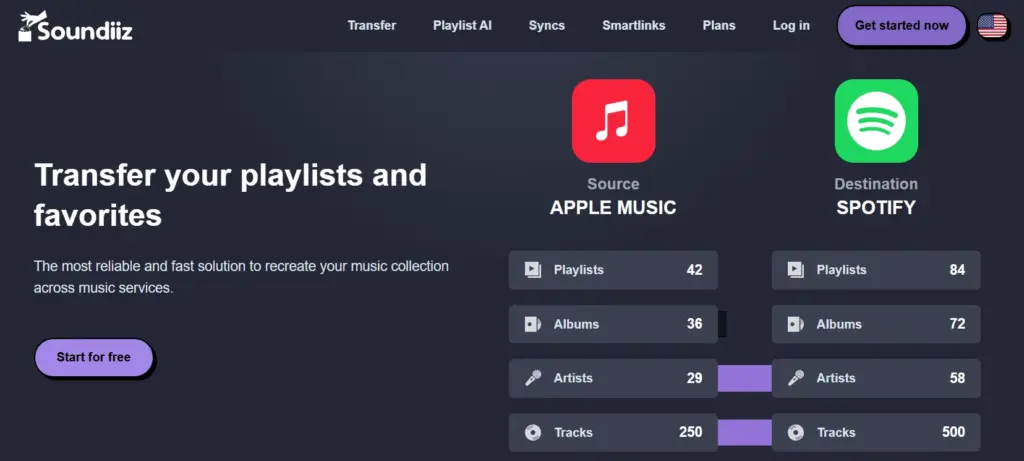
If your library is complex-filled with hundreds of playlists, followed artists, and saved albums-Soundiiz provides the granular control you need.
Why Soundiiz is the “Power User” Choice
Soundiiz operates as a centralized web dashboard. Once you link your various accounts, you can see your entire music world in a side-by-side view. Its greatest strength lies in its ability to treat music like a database. You can batch-edit playlists, merge two different collections into one, and even use “Smart Links” to share your creations across different platforms.
One of the standout features of Soundiiz is its ability to handle Syncing. In 2026, many of us use multiple services-perhaps one for music discovery and another for high-end listening. Soundiiz can keep a playlist on Spotify perfectly mirrored on Tidal. If you add a track to one, it automatically appears on the other within hours.
Pricing and Strategic Subscription Use
Soundiiz follows a tiered model that allows for both one-time movers and long-term managers:
- Free Plan: Allows for manual, one-by-one playlist transfers with a limit of 200 tracks per playlist. It is a great “smoke test” to see how well the tool matches your specific taste.
- Premium ($4.50 – $5.00/month): This is the standard for most users. It unlocks unlimited library transfers and the ability to move albums, artists, and individual tracks in bulk.
- Creator Plan (~$9.50/month): Geared toward professional influencers, this includes advanced tools like “Smartlinks” (one link that opens in any app) and more frequent synchronization intervals.
TuneMyMusic: The Fastest Path to Digital Freedom
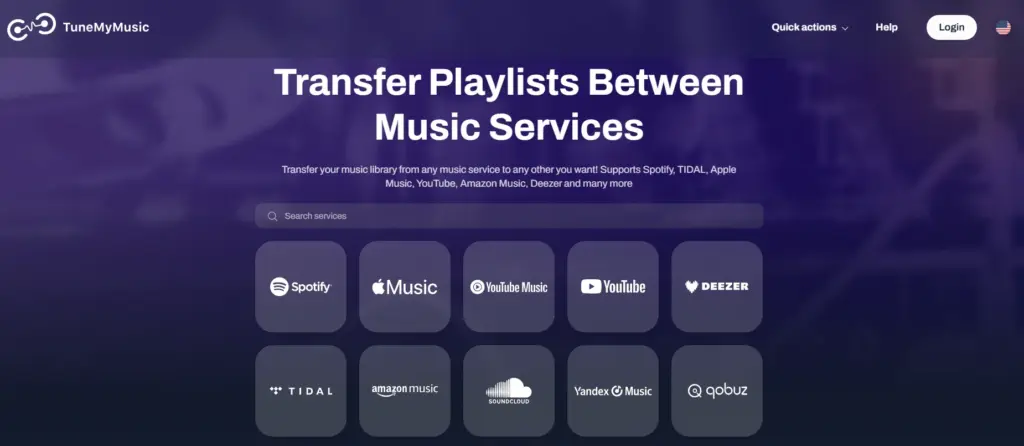
If the idea of a “database dashboard” sounds too complicated and you just want your songs moved as quickly as possible, TuneMyMusic is the industry standard for speed and simplicity.
It is an entirely web-based tool that focuses on a “zero-friction” workflow.
The Efficiency of the Three-Step Process
TuneMyMusic is designed to be foolproof. The process is a linear journey: Select your source (e.g., Spotify), select your playlists, and select your destination (e.g., Apple Music). Because of its massive user base, it has some of the most stable API connections in the business. In my testing, TuneMyMusic often finishes a 500-track migration in under 60 seconds, which is remarkably fast for the amount of metadata matching happening behind the scenes.
It is also the tool most often “officially” recommended by the streaming services themselves. When a platform like YouTube Music wants to help new users onboard, they often use a white-labeled version of TuneMyMusic because they know the success rate is incredibly high.
Balancing Cost and Convenience
The pricing for TuneMyMusic is perhaps the most straightforward in the 2026 market:
- Free Version: You can move up to 500 tracks for zero cost. For someone who only has a few core “Gym” or “Focus” playlists, this might be all you ever need.
- Premium ($2/month on annual billing or $4 monthly): For the price of a cup of coffee, you get unlimited transfers and up to 20 automatic syncs. It is the most cost-effective “one-time move” solution available.
FreeYourMusic: The Desktop Powerhouse for Privacy and Local Files
Formerly known as STAMP, FreeYourMusic takes a different approach by offering a dedicated application for Windows, macOS, Linux, iOS, and Android.
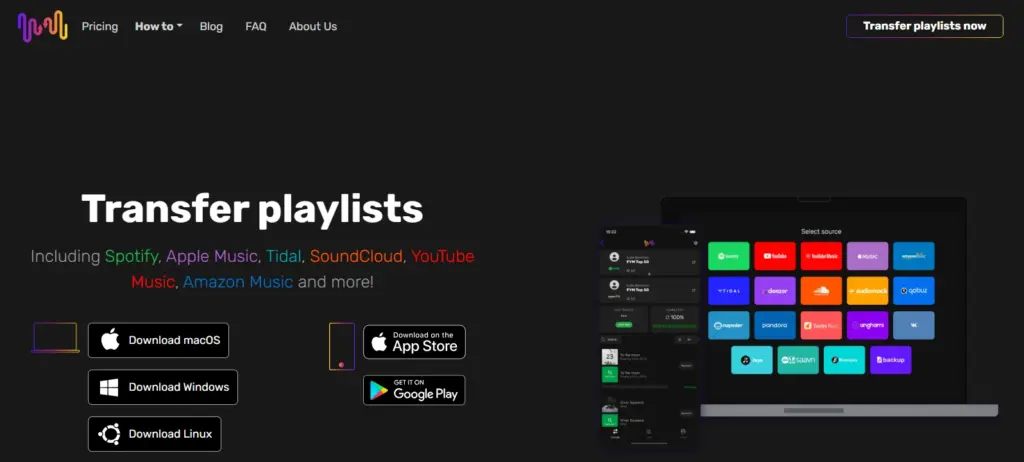
This is the tool for users who are wary of browser-based “middlemen” and want a more robust, local software experience.
The Advantage of Local Processing
Because FreeYourMusic runs as an app on your actual hardware, it can handle much larger data loads without the risk of a browser tab crashing. It is particularly effective for users who have a “Hybrid Library”-a mix of streaming songs and local MP3 or FLAC files. The app is much better at identifying local files on your hard drive and finding their high-quality counterparts on a streaming service.
The UI is also significantly more modern and “app-like” than the web-based alternatives. It provides a very clear “Post-Migration Report” that shows exactly which tracks didn’t match, allowing you to search for them manually without digging through your whole library.
A Unique Pricing Philosophy (The Lifetime Buy)
In a world dominated by monthly subscriptions, FreeYourMusic offers something rare: a permanent purchase option.
- Basic ($14.99 one-time): This is a “pay once, use forever” license for a single platform. It is perfect for those who want to move their library once and never think about it again.
- Premium (~$4.17/month annually): This includes mobile apps, cloud backups of your playlist metadata, and automated syncing.
- Lifetime (~$249): For the true music obsessive or professional editor, this is a “legacy” purchase that ensures you will never have to pay for a transfer tool again.
SongShift: The Aesthetic Masterpiece for iPhone Users
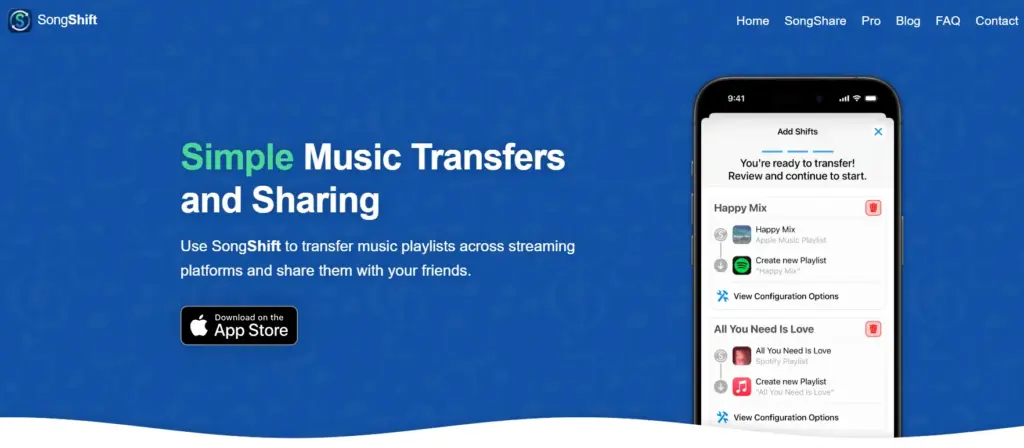
If you are an iOS loyalist, SongShift is the undisputed champion. It is an app built specifically for the Apple ecosystem, utilizing native design language to provide an experience that feels like it was built by Apple themselves.
Precision Through the “Match Review” System
While other tools try to automate everything, SongShift acknowledges that AI sometimes gets it wrong. It features a unique Match Review system. Before finalizing a “Shift,” the app will flag songs where it found multiple versions. It might ask: “Did you want the 1974 Studio Version or the 2021 Remaster?” This allows perfectionists to ensure their library doesn’t get cluttered with inferior live cuts or “best of” album versions.
The app also features “Speed Share,” which allows you to send a playlist to a friend regardless of what service they use. If they have SongShift, the app will automatically “Shift” your playlist into their library, effectively breaking down the walls between Spotify and Apple Music users.
Understanding the Pro Features
SongShift is very usable for free, but the Pro features are what make it a 2026 staple:
- Free: Unlimited single-playlist transfers.
- Pro ($4.99/month or $34.99/year): Unlocks batch processing (moving your whole library at once), automated syncs, and advanced matching algorithms.
- Lifetime (~$60): A great value for iPhone users who plan on staying in the ecosystem for the long haul.
The Pre-Migration Audit: Setting Yourself Up for Success
Even the most powerful tools in 2026 can’t fix a messy source library. If you want a 100% success rate, you need to do a little “DIY gardening” before you hit the transfer button.
Pruning the Dead Wood
Over the years, we all accumulate “ghost playlists”—the ones named “New Playlist 12” or “Party 2018 (Backup).” Delete these. The cleaner your source library is, the less work the transfer tool has to do, which reduces the chance of the API timing out. Also, check for duplicates. If you have the same song in a playlist twice, it may cause the matching algorithm to skip one or both versions.
Managing Collaborative Playlists
If you are a member of a collaborative playlist, most tools won’t “see” it because you aren’t the primary owner. To move these, you need to duplicate the playlist within your source service. Once it is a copy that you own, the transfer tools can read the metadata and port it over to your new service.
The “Missing Song” Mystery: Why No Tool is 100% Perfect
It is a common frustration: you move 1,500 tracks, but only 1,480 appear. As a professional editor, it’s important to explain that this isn’t usually the tool’s fault; it’s a byproduct of the chaotic music licensing world.
The Licensing Black Hole
Streaming services are constantly gaining and losing rights to music. A song that is available on Spotify in the United States might not be available on Apple Music in the same region. If the “target” service doesn’t have the song in its database, no amount of technical wizardry can make it appear. These are called “Ghost Tracks,” and the best you can do is keep a list of them and hope they are added to the service later.
Metadata Mismatch and Regional Blocks
Sometimes, the way an artist is credited varies between platforms. One service might list an artist as “The Weeknd,” while another might list it as “The Weeknd feat. [Artist Name].” If the “Fuzzy Matching” logic of the tool isn’t 100% sure, it will often skip the track rather than risk giving you the wrong song. This is why the Manual Review feature in tools like SongShift is so critical for a “perfect” migration.
Post-Transfer Optimization: Organizing Your New Home
Once the transfer is complete, don’t just start listening immediately. There are a few “finishing touches” that will make your new service feel like home.
Resetting Your Audio Quality
Most streaming apps default to “Data Saver” or “Standard” quality to save on bandwidth. If you moved to a service specifically for audio quality (like Tidal or Apple Music), you must go into the settings and manually toggle on Lossless or Hi-Res audio. Without this step, your migration was for nothing.
Cleaning Up the Duplicates
During a massive library move, it’s common to end up with a few duplicate tracks—perhaps the tool found the single version of a song and the album version. Use the built-in “Duplicate” filters in desktop apps (like Apple Music or Spotify) to quickly scan and delete the extras. This keeps your library lean and makes searching much faster.
The Future of Music Ownership: Becoming Service-Agnostic
The real “juice” of 2026 music strategy is to stop being loyal to a platform and start being loyal to your collection. The smartest way to handle your music is to maintain a Service-Agnostic library.
Using CSV and JSON Exports as a Safety Net
Every few months, use a tool like Soundiiz to export your entire music library as a CSV or Excel file. This is your “Master List.” If a streaming service ever goes bankrupt or deletes your account, you have a permanent, text-based record of every song you’ve ever liked. You can take this file to any future tool and rebuild your library from scratch in minutes.
The Unified Listening Experience
By using the Sync features of these tools, you can essentially treat the entire streaming world as one giant catalog. You can discover music on the platform with the best AI recommendations but listen to it on the platform with the best audio hardware support. In 2026, the technology exists to make the walls between services invisible. Use it to your advantage, and never let your music be held hostage by a subscription again.
Final Comparison: Which Tool Should You Choose Today?
| Tool | Best For | Standout Feature |
| Soundiiz | Power Users / Editors | Library-wide management & Sync |
| TuneMyMusic | Beginners / Speed | Web-based simplicity & fast matching |
| FreeYourMusic | Privacy / Desktop users | Native apps & Lifetime purchase option |
| SongShift | iPhone & iPad users | Manual match review & iOS integration |
Choosing the right tool is the difference between a frustrating weekend of errors and a seamless transition to a better musical experience. Pick the one that fits your hardware, clean up your library, and enjoy the freedom of the music nomad.
