
In the fast-paced global economy of 2026, the ability to seamlessly transition between file formats is no longer just a convenience—it is a technical necessity. Whether you are a content creator finalizing a high-resolution video for a global audience or a corporate professional prepping a pitch deck for an international client, encountering a “File Not Supported” error is more than a minor annoyance; it is a direct threat to productivity and professional credibility.
File converters serve as the essential bridge between incompatible software ecosystems. They eliminate the need for costly, resource-heavy desktop installations by providing cloud-based transformations for documents, images, audio, and video. However, as digital security becomes a primary concern for businesses worldwide, the selection of a conversion tool must be based on more than just speed. It requires a rigorous evaluation of encryption standards, data retention policies, and output accuracy.
Our Ranking Philosophy: How We Measured the Best in the Business
To provide the most professional and depth-oriented guide for GetInDevice News, we didn’t just look at the surface. We analyzed real-world performance, security protocols, and, most importantly, user trust reflected through monthly traffic.
The Traffic-Trust Correlation
In the world of online tools, traffic is a powerful indicator of stability. A site handling over 600,000 visitors a month, like MConverter, has the infrastructure to manage large file loads without crashing. We also looked at the “variety factor”—sites offering over 1,000 conversion combinations scored higher because they serve as a one-stop shop for all user needs.
Security: The Non-Negotiable Standard
In 2026, data breaches are a real threat. We prioritized platforms that utilize 256-bit SSL encryption and offer transparent “auto-delete” policies. If a site doesn’t clearly state when your files are purged from their servers, it didn’t make our top list.
1. MConverter.eu: The Undisputed Traffic King
Taking the top position with a clear lead in popularity, MConverter.eu has established itself as a benchmark for modern, browser-based file conversion. With an estimated 618,000 monthly visits, the platform reflects strong global user trust and consistent real-world reliability.
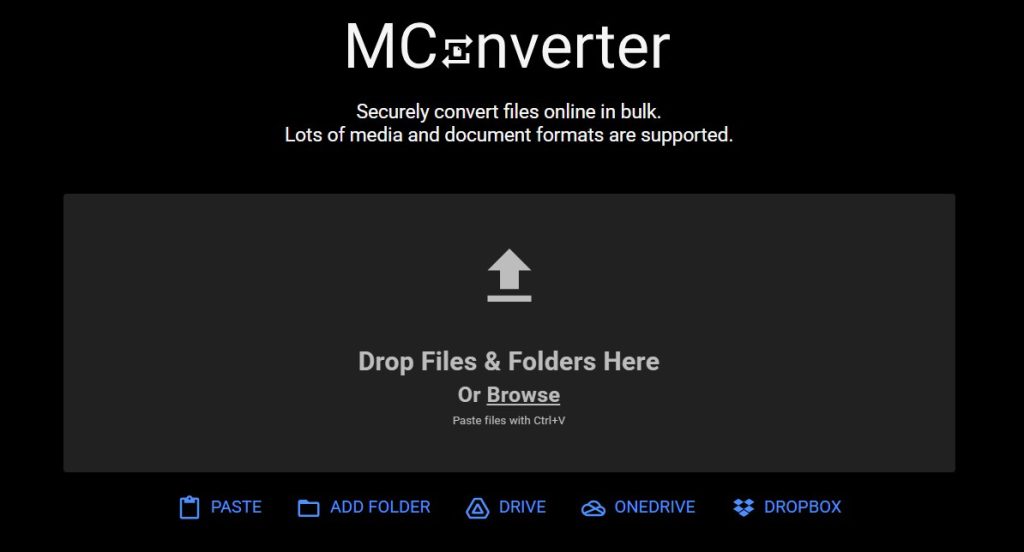
Rather than functioning as a simple one-purpose utility, MConverter operates as a multi-format digital conversion hub designed to handle everyday tasks as well as high-volume professional workflows with equal efficiency.
Why MConverter Dominates the Market
One of the most noticeable distinctions between MConverter and many legacy conversion tools is its user-centric design philosophy. The interface is streamlined, fast-loading, and largely free from intrusive advertising—an issue that commonly affects smaller or less mature platforms. This clean environment reduces friction during the conversion process and allows users to focus purely on productivity.
Beyond usability, the platform supports an extensive ecosystem of file types, including documents, images, videos, audio files, archives, subtitles, and e-books. This breadth of compatibility transforms MConverter into a single-destination solution rather than requiring users to switch between multiple niche converters. The result is a noticeably smoother workflow, particularly for freelancers, educators, and digital creators who routinely manage mixed media formats.
Key Features for Professionals
These capabilities position MConverter as more than a basic utility, enabling efficient handling of high-volume files, sensitive documents, and multi-format media workflows within a single streamlined environment.
Automated download workflow:
After processing is complete, MConverter can immediately trigger the download of the converted file. This seemingly small optimization significantly improves efficiency during bulk or repetitive conversion tasks, where eliminating extra clicks can save meaningful time.
Strong privacy and regulatory alignment:
As a Europe-based service, the platform operates within the framework of strict data-protection expectations, offering reassurance to users uploading sensitive academic, creative, or business documents. Clear privacy positioning is increasingly critical in 2026, where data handling transparency directly influences platform trust.
Bulk batching and high-volume readiness:
MConverter is particularly effective for multi-file operations, such as converting entire folders of images, compressing large PDF collections, or preparing media assets for publishing. This capability makes it well suited for marketing teams, online sellers, and students managing extensive coursework materials.
Editorial Verdict
MConverter’s strength lies in its balance of simplicity, speed, and broad compatibility. It delivers a frictionless experience for beginners while still providing enough depth to satisfy demanding professional scenarios. For users seeking a dependable free online file converter that feels unrestricted, efficient, and privacy-aware, MConverter remains one of the most complete solutions currently available.
In practical terms, it is the kind of tool that quietly becomes part of a daily workflow—reliable enough that users rarely need to look for alternatives once they begin using it.
2. OnlineConvert.com: The Heavyweight for Complex Workflows
With a remarkable operational history that includes more than 1.9 billion completed file conversions, OnlineConvert.com stands as one of the most established and technically capable platforms in the online conversion ecosystem. Unlike lightweight converters built primarily for quick format swaps, OnlineConvert is designed for precision-driven, configuration-rich workflows where output quality and detailed control matter as much as speed.
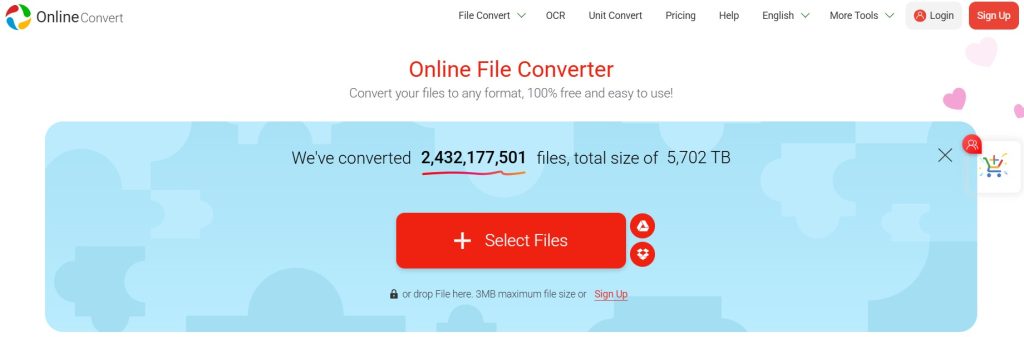
This long-standing reliability has positioned the platform as a trusted solution for professionals, educators, developers, and media teams who frequently handle diverse file types across documents, audio, video, and images.
Precision and Depth in Conversion
OnlineConvert extends far beyond basic extension switching by offering granular control over conversion parameters. Users can fine-tune bitrate, frame rate, resolution, compression level, color depth, and other technical attributes before generating the final output.
This level of configurability is particularly valuable in media production, podcast editing, academic publishing, and digital archiving, where maintaining consistent quality standards is essential. Instead of forcing a one-size-fits-all result, the platform enables tailored outputs aligned with professional requirements.
Navigating the Professional Features
These advanced capabilities extend the platform beyond simple format conversion, enabling structured document processing, cloud-based file management, and scalable workflows suitable for both individual professionals and enterprise environments.
Advanced OCR functionality:
One of OnlineConvert’s most impactful capabilities is Optical Character Recognition (OCR), which allows scanned PDFs or image-based documents to be transformed into fully editable and searchable text files. This dramatically improves productivity in research, documentation, and administrative workflows where manual retyping would otherwise consume significant time.
Integrated cloud workflow:
Direct connectivity with Google Drive and Dropbox simplifies file management across devices and operating systems. Users working on Chromebooks, tablets, or shared work environments can upload, convert, and retrieve files without relying on local storage, supporting a truly cloud-native productivity model.
Scalability through premium tiers:
For users managing larger workloads, premium plans introduce higher file-size limits, faster processing queues, and simultaneous multi-file conversions, making the platform suitable for business-level throughput rather than just occasional personal use.
These combined capabilities position OnlineConvert as a feature-rich conversion environment built to support technically demanding scenarios while remaining accessible through a browser-based interface.
A Note on Transparency
Despite its powerful feature set, users should remain attentive to the pricing structure associated with advanced usage tiers. While the free version remains highly functional for everyday needs, professional-scale workflows may require subscription access. Reviewing plan details in advance ensures that the platform’s capabilities align with both technical requirements and budget expectations.
Editorial Perspective
OnlineConvert distinguishes itself through depth, configurability, and long-proven reliability. It is not merely a quick converter but a technical toolkit for precision-oriented digital work.
For readers who prioritize fine-grained control, OCR-driven document recovery, and scalable processing power, OnlineConvert remains one of the most capable and mature solutions available in 2026.
3. TextToPDF.net: The Precision Documentation Expert
While many tools focus on visual media, TextToPDF.net fills a critical gap for professionals who prioritize documentation and archiving. It is a specialized utility that allows you to convert text documents into PDF files with absolute structural integrity, making it an essential part of a complete digital toolkit in 2026.
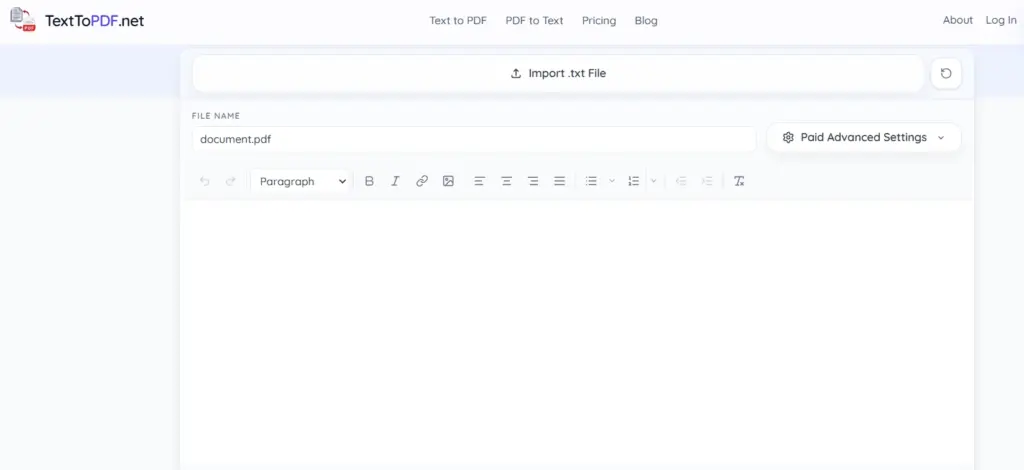
Rather than offering a cluttered suite of unrelated tools, TextToPDF.net focuses on doing one thing with high-speed precision: transforming raw text data into portable, universally readable PDF documents.
Why It Stands Out in a Crowded Market
The platform’s core advantage is its “utility-first” design. In a fast-moving editorial or corporate environment, users often need to turn research notes, code snippets, or draft manuscripts into shareable files without the overhead of heavy word-processing software.
TextToPDF.net eliminates the friction of formatting by providing a clean environment where text is parsed instantly and rendered into a high-fidelity PDF. This ensures that typography, spacing, and layout remain consistent across all devices, from mobile smartphones to high-resolution desktop monitors.
Key Features for Content Archiving
- Rapid Text-to-PDF Engine: The conversion process is nearly instantaneous. By optimizing server-side processing, the tool allows users to generate documents in seconds, supporting the “just-in-time” productivity needed for modern creators.
- Zero-Login Privacy Protocol: In alignment with 2026 security standards, the tool does not require user accounts or email registrations. This “no-footprint” approach ensures that sensitive text data is processed without being linked to a permanent user profile.
- Cross-Platform Browser Efficiency: As a lightweight web application, it functions seamlessly across Windows, macOS, Android, and iOS. This makes it a favorite for mobile journalists and students who need to document information while on the move.
- Clean, Ad-Light Interface: Unlike many free converters that overwhelm users with visual clutter, the platform maintains a minimalist aesthetic, reducing cognitive load and allowing for a focus on the task at hand.
Editorial Perspective
TextToPDF.net excels by embracing its identity as a specialist tool. It doesn’t try to be a video editor or an image compressor; instead, it provides the most efficient bridge between raw text and professional documentation. For readers involved in scriptwriting, academic research, or technical documentation, it is a reliable, high-speed solution that deserves a spot in any professional browser’s bookmark bar.
4. FabConvert.com: The Modern Speed Demon
Emerging as one of the fastest-growing platforms in the online conversion space, FabConvert.com reflects the shifting expectations of modern digital creators who prioritize speed, simplicity, and immediate output. With an estimated 108,000 monthly visits, the platform’s rising adoption highlights growing confidence among designers, marketers, and short-form content producers who depend on rapid turnaround times to keep pace with today’s continuous publishing cycles.
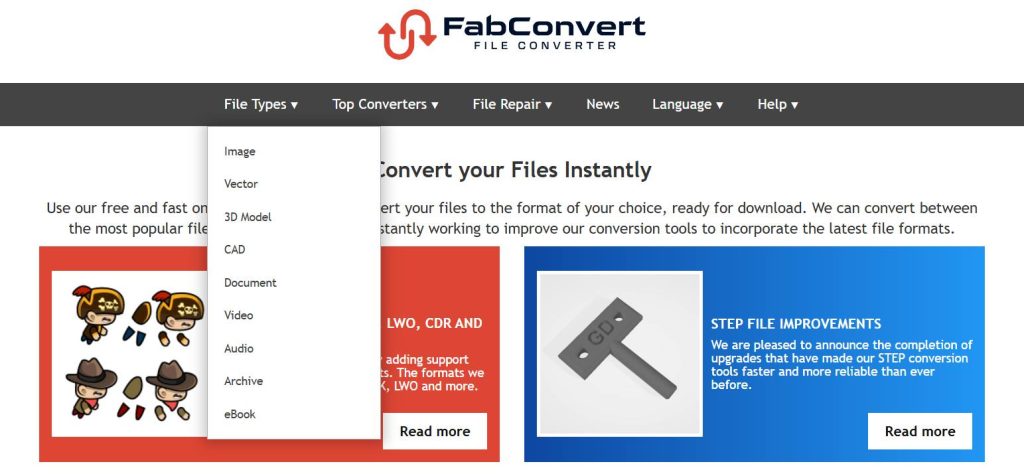
Unlike traditional converters that emphasize extensive configuration menus, FabConvert is engineered around a minimal-friction workflow—reducing steps between upload and download so users can complete conversions in seconds rather than minutes. This design philosophy aligns closely with the needs of fast-moving creative environments such as social media production, e-commerce asset preparation, and mobile-first content editing.
The Batch Processing Champion
One of FabConvert’s most practical strengths is its ability to handle large multi-file uploads with ease, allowing users to drag and drop up to 100 files simultaneously for conversion. This capability dramatically reduces repetitive manual work, particularly for professionals managing image libraries, promotional graphics, thumbnails, or short-form video assets intended for scheduled publishing.
By consolidating dozens of conversions into a single action, the platform delivers meaningful time efficiency for high-volume creative workflows, making it especially valuable for freelancers, agencies, and in-house marketing teams.
Unique Selling Points
These distinguishing capabilities highlight FabConvert’s forward-looking design, extending its usefulness beyond routine conversions into emerging creative and interactive media workflows.
Expanding support for advanced creative formats:
FabConvert’s growing compatibility with 3D model and specialized graphics formats signals an ambition to move beyond conventional document and image conversion. This direction positions the platform for relevance in gaming, augmented reality, and interactive media production, where rapid format translation is increasingly necessary.
Time-limited download links for added privacy:
Converted files are delivered through temporary access links that expire within a few hours, reducing the likelihood of long-term file exposure. This short retention window provides an additional layer of reassurance for users working with commercial assets, client materials, or unpublished creative content.
The User Experience
From a usability perspective, FabConvert feels closer to a modern web application than a traditional utility website. Navigation is intuitive, visual clutter is minimal, and the overall interaction flow emphasizes speed and clarity over technical complexity.
Most standard conversions complete in just a few seconds per file, reinforcing the platform’s identity as a performance-first solution designed for real-time creative demands rather than occasional administrative use.
Editorial Perspective
FabConvert’s core advantage lies in its relentless focus on speed, batch efficiency, and streamlined usability. While it may not offer the deep technical customization of more enterprise-oriented converters, it excels in the environments where rapid execution matters most—social media production, digital marketing, and high-frequency content publishing.
For readers seeking a fast, modern, and privacy-aware conversion tool optimized for creative momentum, FabConvert represents one of the most compelling emerging options in 2026.
5. VeryPDF Online Converter: The Specialist’s Choice
While VeryPDF Online Converter may attract comparatively lower mainstream traffic—around 50,000 monthly visits—its reputation within professional and technical communities remains notably strong. This loyalty stems from the platform’s focus on precision-oriented, document-heavy, and niche conversion scenarios that many general-purpose converters either limit or avoid entirely.
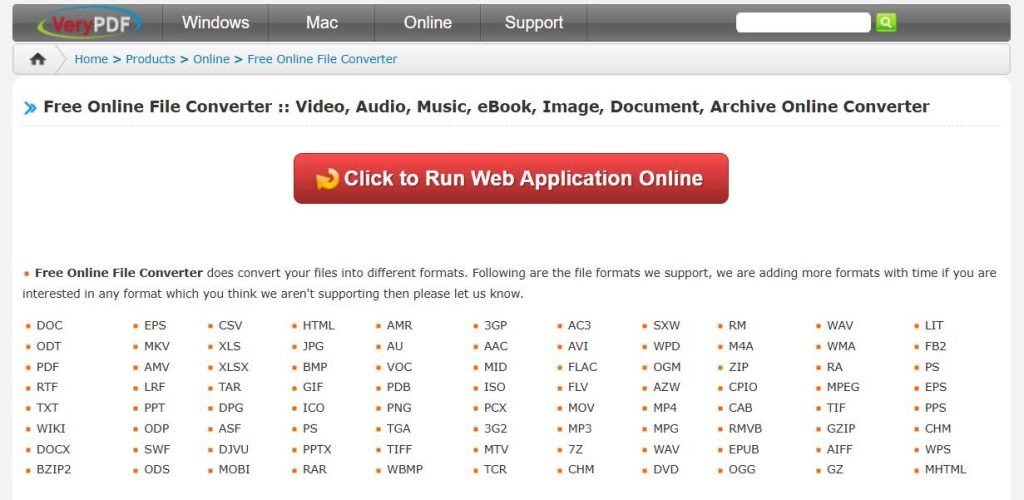
Rather than competing on speed or minimalist design, VeryPDF positions itself as a reliability-first solution built for users who prioritize structural accuracy, format integrity, and compatibility with specialized file types such as CAD drawings, advanced eBook standards, and complex document layouts.
Beyond the Standard PDF
Despite its name suggesting a primarily PDF-centric workflow, VeryPDF supports well over a thousand file formats, extending far into publishing, documentation, and archival use cases. It is particularly effective for eBook ecosystem conversions, including transformations between EPUB, MOBI, and other reader-optimized formats, where preserving typography, pagination, and embedded media is essential.
This depth of compatibility makes the platform especially valuable for publishers, educators, technical writers, and digital archivists who require dependable format translation without compromising document structure.
Technical Highlights
CAD-to-image and shareable document rendering:
VeryPDF enables the transformation of complex AutoCAD and engineering files into universally accessible outputs such as JPEG images or standard PDFs. This capability simplifies collaboration by allowing stakeholders without specialized design software to review blueprints, schematics, or architectural layouts with ease.
Developer-ready cloud integration:
Through its Cloud API and automation-friendly infrastructure, VeryPDF extends beyond standalone browser usage into enterprise and application-level deployment. Organizations can embed conversion functionality directly into internal systems, workflows, or customer-facing platforms—an important advantage for businesses managing large-scale document processing or publishing pipelines.
The Pro/Con Balance
From a usability standpoint, VeryPDF’s interface leans toward a technical and utilitarian design, prioritizing function over visual simplicity. While this may feel less modern compared to speed-focused tools like FabConvert, the trade-off delivers highly consistent, professional-grade output quality suited to environments where formatting precision is non-negotiable.
In essence, VeryPDF serves as an industry-oriented conversion engine—less about casual convenience and more about accuracy, control, and long-term reliability.
Editorial Perspective
VeryPDF stands apart by embracing a specialist identity rather than pursuing mass-market simplicity. For readers working in engineering, publishing, academic research, legal documentation, or enterprise content management, its emphasis on format fidelity and technical depth makes it an exceptionally dependable choice.
In the broader landscape of 2026’s online converters, VeryPDF represents the category of tools designed not merely to convert files—but to preserve the professional integrity of the information within them.
6. Tech.Barkateraza.in: The Rising Local Alternative
Completing this year’s comparison is Tech.Barkateraza.in, a smaller yet increasingly noticeable presence within the online file-conversion landscape. With an estimated 30,000 monthly visits, the platform may not match the global scale of larger competitors, but it fills an important niche by prioritizing clarity, accessibility, and regionally relevant usability.
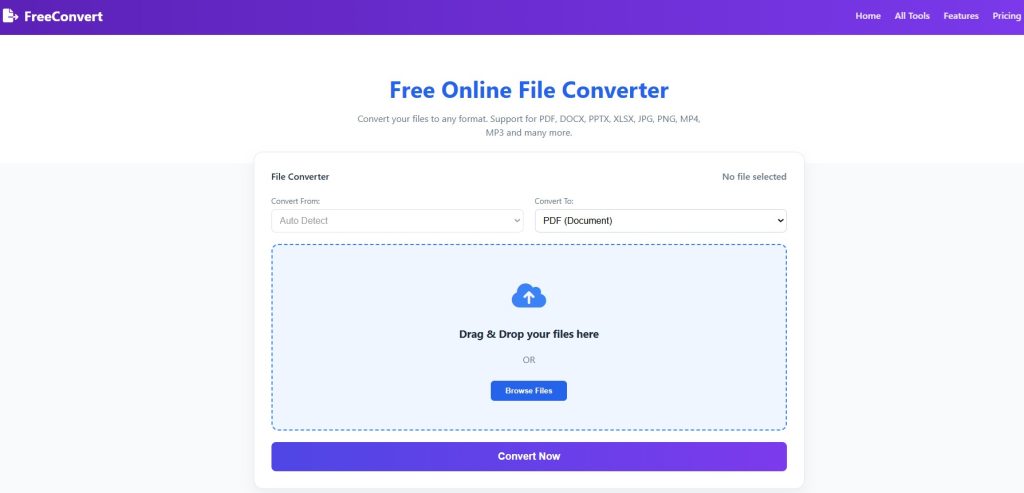
Rather than attempting to compete through sheer technical breadth, Tech.Barkateraza.in focuses on delivering a straightforward conversion experience tailored to everyday digital needs—particularly for users seeking quick results without navigating complex settings or enterprise-style interfaces.
Simplicity for Beginners
One of the platform’s defining strengths is its approachable, beginner-friendly design. The conversion process is intentionally streamlined, allowing users with minimal technical background to upload a file, choose a target format, and download the result within moments.
This ease of use is especially valuable for students, first-time internet users, and mobile-centric creators who may be converting media for messaging apps, social platforms, or official document submissions. By removing unnecessary configuration steps, the tool ensures that basic format changes remain fast and frustration-free.
Why It’s Worth a Bookmark
Localized usability and practical relevance:
Tech.Barkateraza.in demonstrates awareness of region-specific digital habits, emphasizing commonly used media and document formats associated with social sharing, short-form video, and mobile editing workflows. This localized focus helps the platform remain immediately useful for day-to-day tasks rather than purely technical scenarios.
Privacy-conscious, low-distraction environment:
Compared with many smaller free tools that rely heavily on intrusive advertising, the site maintains a relatively clean and ad-light interface, contributing to a more comfortable and trustworthy user experience. This restraint—combined with clear conversion functionality—supports quick usage without overwhelming visual clutter.
Editorial Perspective
Tech.Barkateraza.in does not aim to replace large-scale, feature-rich converters. Instead, its value lies in serving as a simple, reliable entry point for users who prioritize ease, speed, and familiarity over advanced customization.
For beginners, casual users, or anyone needing a quick everyday format change without technical complexity, it remains a practical tool worth keeping accessible. Within the broader ecosystem of 2026’s online converters, Tech.Barkateraza.in represents the importance of usability and regional relevance alongside global innovation.
Comparison Table: At-a-Glance Guide for 2026
| Converter | Core Strength | Standout Features | Best Suited For |
|---|---|---|---|
| MConverter | Speed with broad compatibility | Bulk conversion, automatic downloads, strong privacy alignment | Daily high-volume workflows, freelancers, students |
| OnlineConvert | Deep technical control | OCR processing, advanced output settings, cloud integrations | Professionals, media teams, business environments |
| TextToPDF.net | Extreme format versatility | Thousands of format combinations, SSL encryption, auto-deletion | Rare or legacy file handling, privacy-focused users |
| FabConvert | Rapid batch efficiency | Multi-file drag-and-drop, temporary download links, modern interface | Designers, marketers, social-media creators |
| VeryPDF | Precision document handling | CAD conversion, eBook format support, developer API integration | Engineering, publishing, enterprise documentation |
| Tech.Barkateraza.in | Beginner-friendly simplicity | Clean interface, localized usability, quick basic conversions | First-time users, casual everyday tasks |
Security and Privacy: How to Stay Safe While Converting
When you upload a file to a free online converter, you are essentially handing it over to a remote server. In 2026, you must be vigilant.
Look for the “Security Trifecta”
- SSL Encryption: Always check for the padlock icon in your browser’s address bar. This ensures your file isn’t intercepted during the upload process.
- Auto-Delete Clauses: The best sites (like MConverter and FreeFileConvert) delete your files automatically after a set period (usually 1–24 hours).
- No Permanent Storage: Avoid sites that ask you to create an account just to download your converted file. This is often a tactic to harvest your email and store your data longer than necessary.
A Rule of Thumb for Sensitive Data
If you are converting a document that contains passwords, bank details, or private identification, do not use an online converter. For these, it is always safer to use offline desktop software like Adobe Acrobat or VLC Media Player.
Common Use Cases: Finding Your Perfect Tool
Different workflows demand different strengths from a file converter. While some users prioritize rapid batch processing for creative production, others require precision document handling, OCR capabilities, or broad format compatibility. Understanding how each platform aligns with specific real-world scenarios helps ensure that the chosen tool not only completes the conversion task, but also supports efficiency, quality, and data security within the broader digital workflow.
Different tasks require different tools. Here is how to match the converter to your specific project:
For the Video Creator
If you’re pulling audio from a video for a YouTube short, OnlineConvert or FreeFileConvert offer the best bitrate controls to ensure the audio doesn’t sound “tinny” or low-quality.
For the Remote Student
Dealing with scanned notes? Use OnlineConvert’s OCR feature to turn those images into searchable text. If you just need to merge multiple PDFs into one, MConverter is the fastest way to get it done between classes.
For the Social Media Manager
When you have a folder of 100 product photos that all need to be resized and converted to WebP for a website, FabConvert is your best friend. Its batch processing will save you hours of manual work.
The Future of Conversion: What’s Next After 2026?
We are already seeing the beginnings of AI-native conversion. In the near future, converters won’t just change the “wrapper” of a file; they will improve the content.
AI Upscaling and Auto-Formatting
Imagine uploading a blurry JPEG and the converter using AI to “fill in” the missing pixels, giving you a high-definition PNG. Or a tool that takes a messy Excel sheet and automatically converts it into a perfectly formatted PDF report with charts. The platforms we’ve ranked today are the ones leading the charge into this automated future.
Performance vs. Privacy: Striking the Right Balance
Modern users no longer evaluate file converters based solely on speed.
In enterprise and freelance environments alike, data handling transparency has become equally important. Platforms that clearly explain encryption methods, retention duration, and deletion timelines naturally build stronger long-term trust.
At the same time, performance still matters. Slow processing queues or failed conversions can interrupt professional workflows, especially when dealing with client deadlines or high-volume media production.
The most reliable converters in 2026 succeed because they combine rapid cloud processing with responsible data governance, ensuring users never have to choose between convenience and security.
Final Thoughts from GetInDevice News
Choosing the right tool is about balancing speed, versatility, and safety. While MConverter.eu leads the pack in sheer popularity, the “best” tool is whichever one fits your specific workflow today.
We recommend bookmarking at least two of these: one for “everyday speed” (like MConverter) and one for “heavy lifting” (like OnlineConvert). By doing so, you’ll never be slowed down by a “File Not Supported” error again.
