
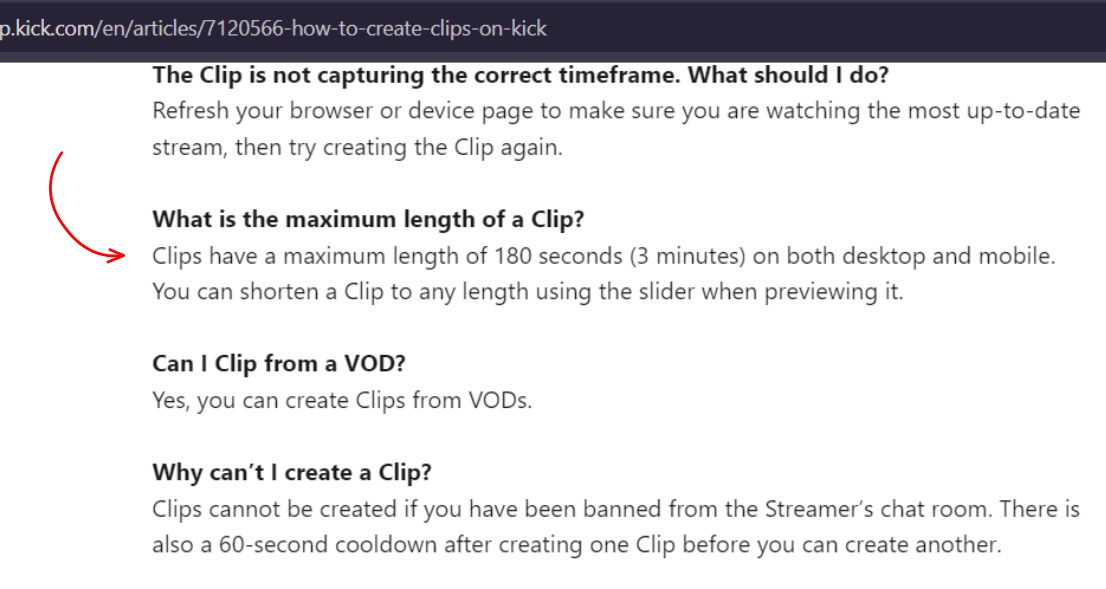
A Kick clip can run from 10 to 180 seconds, which is 3 minutes, on both desktop and mobile. You set the exact length with a slider before you publish. A clip you save from Kick comes as an .mp4 file, and you can cut one from a livestream or from a VOD. Below you’ll find the limits in one table, what each one means in practice, and what Kick leaves out.
Kick Clip Length Limits at a Glance
| Spec | What Kick says |
|---|---|
| Minimum length | 10 seconds |
| Maximum length | 180 seconds (3 minutes), the same on desktop and mobile |
| Where clips come from | A livestream or a VOD |
| Who can make one | Any logged-in viewer, or the streamer |
| Wait between clips | 60 seconds |
| File format when saved | .mp4 |
| Who can delete a clip | The channel owner |
| Resolution, aspect ratio, file size | Not stated on Kick’s help page |
Clip Length: 10 to 180 Seconds
Kick’s help page lists a clip as 10 seconds at the shortest and 180 seconds at the longest. A 5 second clip or a 4 minute clip falls outside that range. You don’t get a fixed length. When you click the clip icon, a window opens with a slider. You drag the handles along the timeline to pick your moment, and a length indicator shows your current selection next to the maximum.
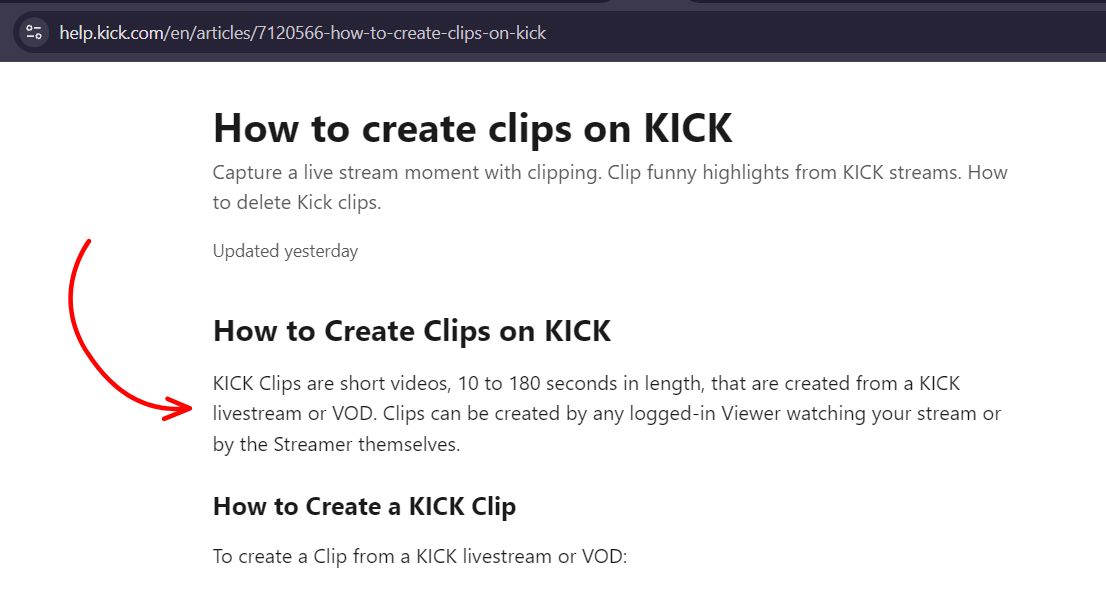
Source: Kick Help, How to create clips on KICK. We checked Kick’s help pages on October 28, 2026.
You can shorten a clip to any length inside the range. Third-party pages often quote other numbers, such as 30 to 60 seconds or a 1 minute limit. Kick’s own help page says 10 to 180, so go by that.
Clip Format and Quality
Kick says a clip you save comes as an .mp4 file. MP4 plays on almost any phone, computer or editor, so you rarely need to convert it. Kick’s help page doesn’t give a resolution for clips. Our tool page lists whatever renditions Kick generated for a clip, up to 1080p at 60 FPS. If a clip is public and you need a copy, our kick clip downloader page can fetch it from a pasted link, with no Kick login. It works with both of Kick’s clip link shapes, but it can’t open a subscriber only video. Use it for your own clips or content you have permission to keep.
What Kick Doesn’t State
Kick’s clip page is clear on length, but it leaves a few things out.
- The resolution, so there’s no official pixel size to quote
- The aspect ratio
- The file size
- How long Kick keeps a clip. The help pages give an expiry for VODs but none for clips
If you can’t afford to lose a clip, keep your own copy.
Rules That Affect Clip Length and Timing
- A 60 second wait between clips – After you publish one clip, Kick makes you wait a minute before you make another, so you can’t stack clips back to back. That comes from the same Kick Help page.
- VODs expire – To clip from a VOD, do it before the timer ends. Our guide on how long Kick VODs last explains the 7 and 30 day limits, and our guide on what happens to a Kick stream after it ends covers the steps in between.
- A chat ban blocks clipping – If the streamer has banned you from chat, you can’t clip that stream.
- VOD clips have one difference – Kick says you can make a clip from a VOD, but the option to send it to chat isn’t available when you clip a VOD.
- A missing VOD can’t be clipped – If the VOD you want isn’t showing, see our guide on why a Kick VOD isn’t showing.
Pros and Cons of Kick’s Clip Limits
What works well
- 3 minutes leaves room for a setup and a payoff
- The slider lets you trim to the exact moment
- The limit is the same on desktop and mobile
- You can clip from a livestream or a VOD
What to watch out for
- A 10 second minimum, so very short moments need padding
- A 60 second wait between clips
- A 3 minute cap, which is short for long moments
- No official resolution or aspect ratio to plan around
Not sure whether a clip or the full VOD fits your goal? Our guide on Kick clips vs VODs compares the two.
Kick Clip Length FAQ
Up to 180 seconds, which is 3 minutes, on both desktop and mobile. You can shorten it with the slider before you publish.
10 seconds. Kick’s help page lists the range as 10 to 180 seconds.
An .mp4 file. Kick says a clip starts downloading as .mp4 when you use the Download button on the clip page.
Yes. Kick’s clip guide says you can create clips from VODs as well as livestreams.
Kick gives two reasons. You may be banned from the streamer’s chat, or you may be inside the 60 second wait after your last clip.