
Images are one of the most important visual elements on the internet, but they are also one of the biggest reasons behind slow-loading websites. High-resolution photos, product images, blog graphics, and social media visuals often come with large file sizes that negatively affect page speed, SEO rankings, and user experience.
That’s why online image compressor tools have become essential in 2026.
Whether you run a blog, manage an e-commerce store, design graphics, or simply share images online, compressing images helps you:
- Improve website loading speed
- Reduce bandwidth and storage usage
- Maintain high visual quality
- Enhance mobile browsing performance
- Boost search engine optimization (SEO)
In this detailed guide, we explore the best free image compressor tools available online, carefully organized to help you choose the right solution for your workflow.
What Makes a Great Image Compressor Tool? 🧠
Before selecting any tool, it’s important to understand the key qualities that define a high-quality image optimization platform.
Compression Efficiency Without Quality Loss
The best tools reduce file size significantly while keeping the image visually sharp.
Modern compressors use smart lossy and lossless algorithms to balance size and clarity.
Support for Multiple Image Formats
A reliable compressor should support:
- JPG / JPEG
- PNG
- WebP
- GIF
- Sometimes AVIF or SVG
Format flexibility ensures compatibility across websites, apps, and social platforms.
Fast Browser-Based Processing
Speed matters.
Top tools compress images instantly in the browser without complicated setup or downloads.
Ease of Use for Beginners and Professionals
A clean interface, drag-and-drop upload, and clear download options make the experience smooth for everyone—from casual users to developers.
Complete List of the Best Online Image Compressor Tools
Below is a carefully reviewed list of top image compression websites in 2026, explained in a neutral editorial format.
1.ImageCompressor.com
ImageCompressor.com is widely recognized for delivering a simple, fast, and highly efficient image compression experience directly inside the browser.
Unlike many complicated optimization platforms, this tool focuses on clarity, speed, and usability, making it accessible for both beginners and experienced professionals.
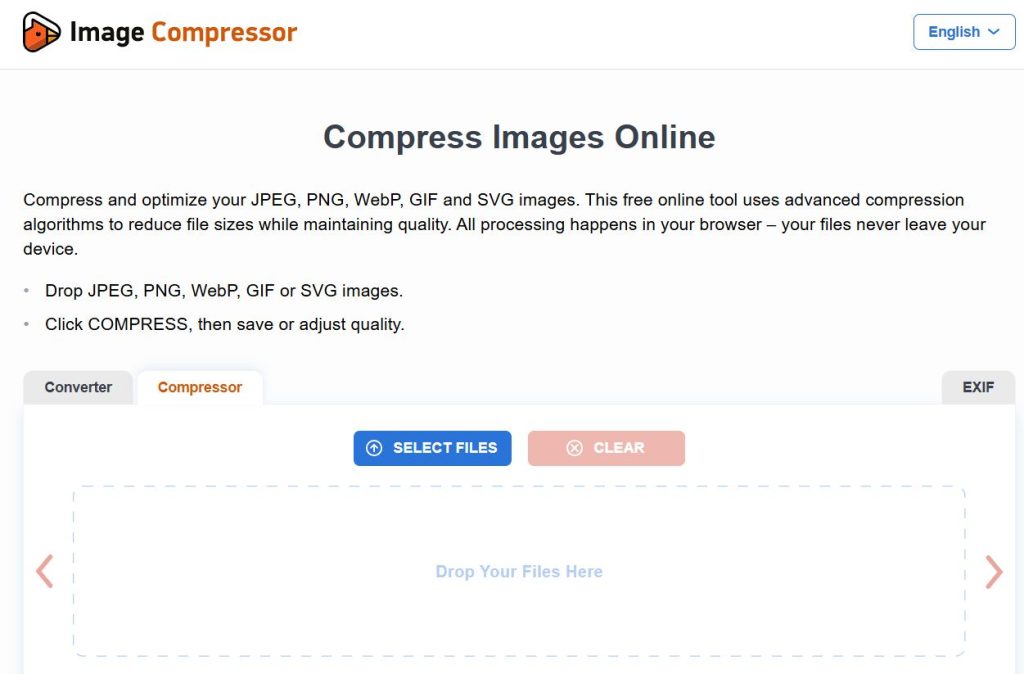
Its streamlined interface removes unnecessary distractions and allows users to upload, compress, and download images within seconds, which is especially valuable when working with multiple files or tight publishing deadlines.
Because of this balance between ease of use and reliable compression performance, ImageCompressor.com has become a dependable everyday solution for:
- Bloggers optimizing post images
- Website owners improving page speed
- Designers preparing visuals for the web
- Social media managers reducing upload sizes
Key Features
- Supports widely used formats including JPG, PNG, GIF, and WebP, ensuring compatibility across modern websites and platforms
- Enables batch image compression, allowing multiple files to be optimized in a single session for better productivity
- Provides instant processing and quick download, reducing waiting time during workflow
- Works completely online in the browser, removing the need for software installation or technical setup
- Maintains a balanced compression ratio, reducing file size while preserving acceptable visual clarity for web use
Advantages
One of the strongest advantages of ImageCompressor.com is its extreme simplicity combined with dependable results.
Users do not need technical knowledge, configuration steps, or account creation to begin optimizing images.
Additional benefits include:
- Consistently fast compression speed, even for larger image files
- A clean and beginner-friendly interface that avoids confusion
- Reliable file size reduction suitable for SEO and performance improvement
- Smooth experience across desktop and mobile browsers
- Practical usability for daily content publishing workflows
This makes the platform particularly useful for individuals who want efficient optimization without spending time learning complex tools.
Ideal Use Case
ImageCompressor.com is best suited for users who prioritize speed, simplicity, and dependable everyday compression rather than advanced manual controls.
It works especially well for:
- Blog and article image optimization to improve page loading speed and SEO performance
- Compressing visuals before uploading to social media platforms or messaging apps
- Preparing product images for e-commerce listings
- Reducing storage usage when managing large image collections
Overall, it is an excellent choice for anyone looking for a fast, no-complexity online image compressor that delivers practical results with minimal effort.
2. ImageRobo
ImageRobo is emerging as a modern, lightweight, and performance-focused online image compressor designed for users who value simplicity without sacrificing output quality.
Unlike older compression tools that rely on cluttered dashboards or complex configuration, ImageRobo delivers a clean, distraction-free environment where images can be optimized quickly and efficiently.
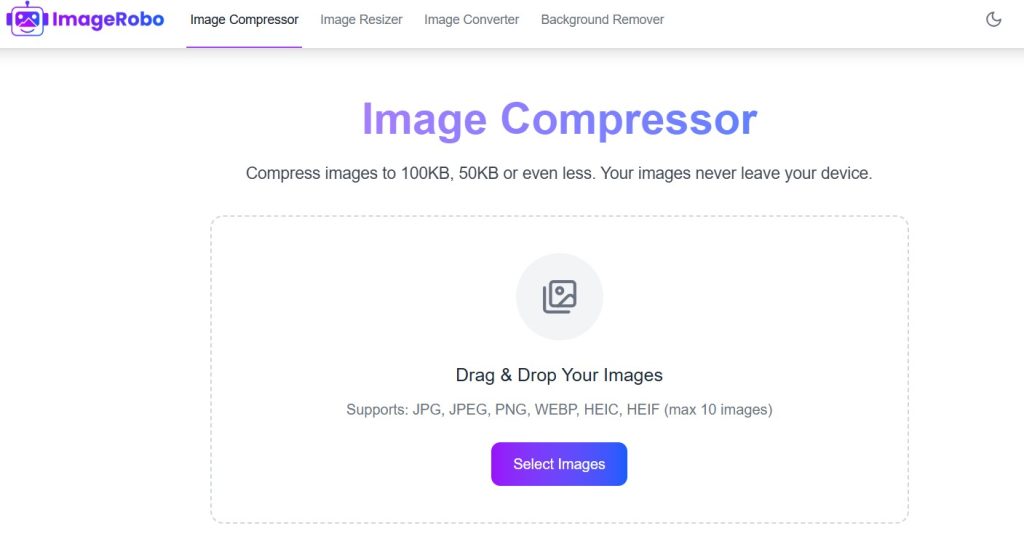
Its streamlined workflow makes it particularly useful for content creators, bloggers, and small website owners who need reliable compression during everyday publishing tasks.
Because the platform focuses on speed, usability, and consistent clarity, it fits naturally into modern web optimization routines where time and performance both matter.
Key Features
- Clean and intuitive user interface designed for fast navigation
- Quick browser-based image processing without installation
- Suitable for optimizing web graphics, blog visuals, and social media images
- Maintains balanced compression with good visual clarity
- Smooth workflow that supports rapid upload-to-download actions
Advantages
ImageRobo’s biggest strength lies in its modern usability and efficiency.
Users can complete the entire compression process within seconds, making it ideal for fast-paced content workflows.
Additional benefits include:
- Beginner-friendly design with no learning curve
- Consistent results suitable for SEO and page-speed improvement
- Lightweight performance that works well across different devices and browsers
- Minimal interface distractions, helping users focus purely on optimization
Ideal Use Case
ImageRobo is best suited for:
- Bloggers optimizing images before publishing articles
- Website owners improving loading speed and performance metrics
- Social media creators reducing upload size while keeping clarity
- Everyday users needing quick and reliable compression
Overall, it serves as a simple yet effective modern image compression solution for routine digital workflows.
3. ShortPixel Online Image Compression
ShortPixel is a well-established name in the image optimization ecosystem, widely trusted by developers, bloggers, and businesses that manage large volumes of visual content.
Its technology focuses on achieving strong file size reduction while preserving image quality, which is critical for professional websites and high-traffic blogs.
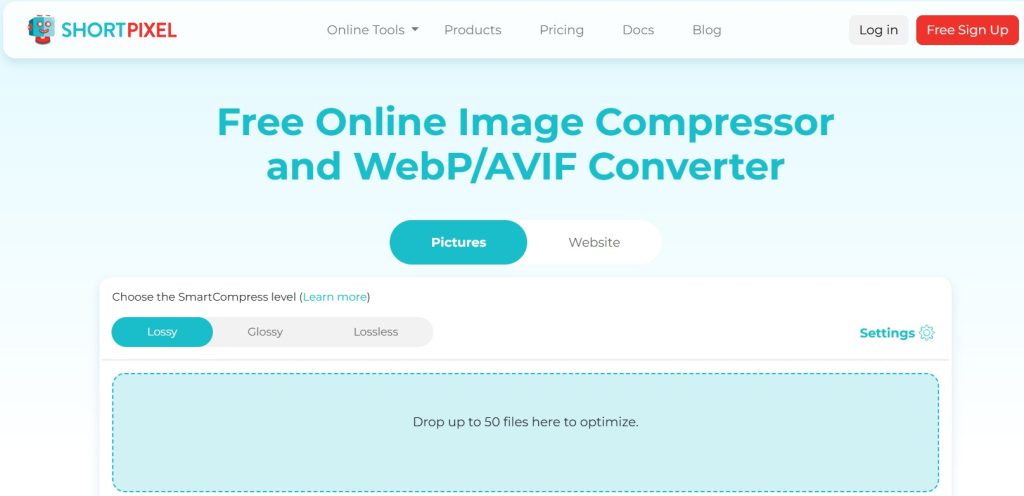
Because ShortPixel also integrates with WordPress, APIs, and automation workflows, it extends beyond casual compression and becomes a scalable long-term optimization solution.
Key Features
- Supports both lossy and lossless compression modes
- Bulk image optimization for large media libraries
- Integration with WordPress plugins and developer APIs
- Reliable preservation of visual detail and color accuracy
- Efficient processing designed for high-volume usage
Advantages
- Professional-grade compression trusted across the web development community
- Strong balance between quality retention and size reduction
- Scalable for growing websites and businesses
- Useful automation that reduces manual optimization workload
Ideal Use Case
ShortPixel is ideal for:
- Bloggers managing image-heavy articles
- Developers optimizing website performance at scale
- Businesses needing consistent long-term media optimization
It stands out as a powerful and dependable professional compression platform.
4. Compress-or-Die
Compress-or-Die is designed for users who require advanced precision and deep control over how images are optimized.
Rather than focusing only on simplicity, this platform provides detailed configuration options, allowing users to fine-tune compression levels, formats, and output quality.
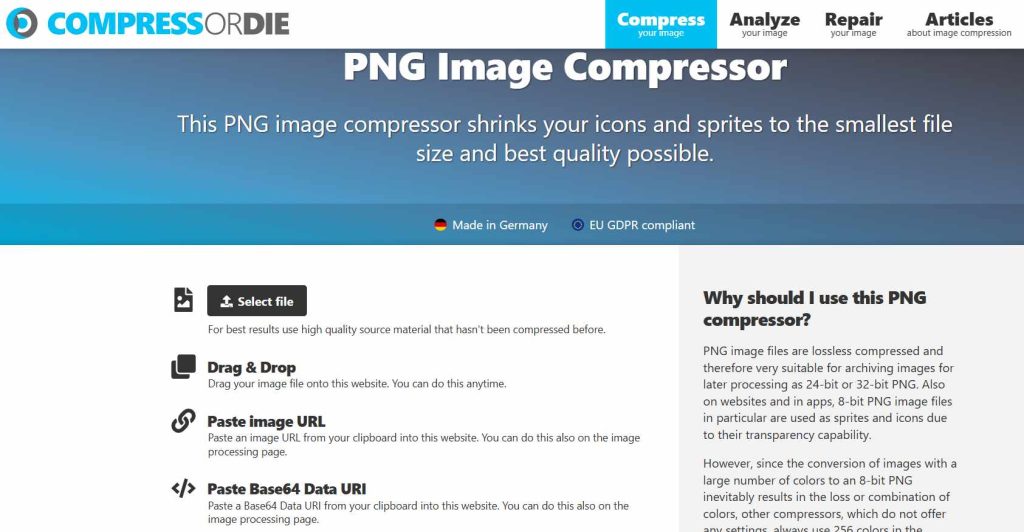
Because of these capabilities, it is especially valued by developers, designers, and performance specialists working on highly optimized web projects.
Key Features
- Advanced manual compression configuration
- Support for modern and next-generation image formats
- Fine control over quality-to-file-size balance
- Detailed optimization suited for technical workflows
Advantages
- Exceptional flexibility for precision optimization
- Strong compatibility with modern web performance standards
- Useful for experimentation and performance tuning
- Preferred by technical and professional users
Ideal Use Case
Best suited for:
- Developers optimizing Core Web Vitals and page speed
- Designers preparing high-quality web assets
- Advanced users needing maximum compression control
It is a power-user-focused compression environment rather than a casual tool.
5. CompressImage.com
CompressImage.com provides a minimal, distraction-free environment built for users who simply want to reduce image size without exploring advanced settings.
Its straightforward design ensures the compression process remains fast, predictable, and easy to repeat.
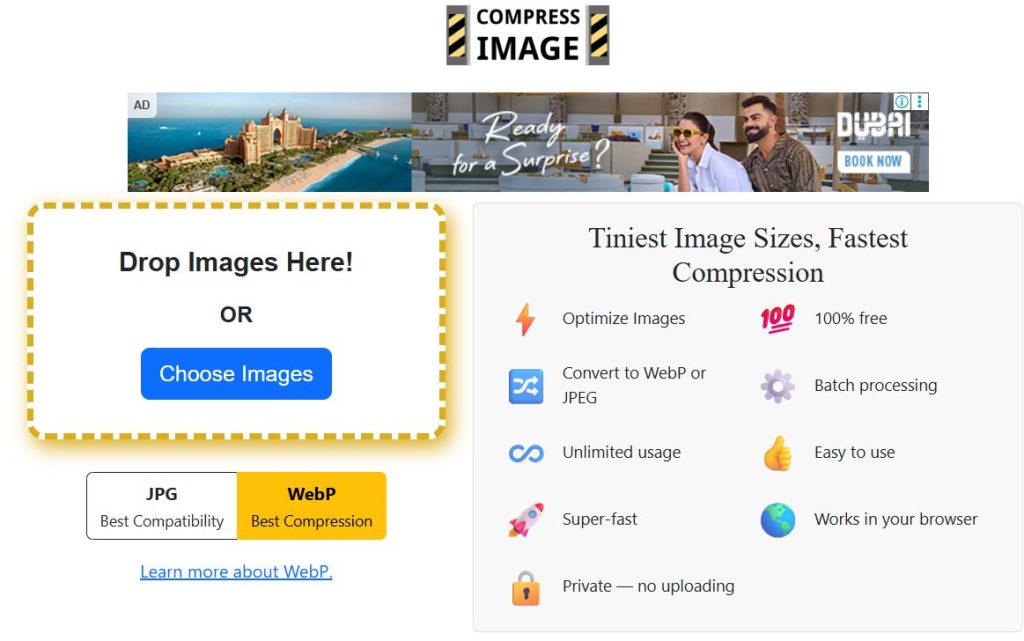
Because of this clarity, it works well for occasional optimization tasks and general online usage.
Key Features
- Direct upload-compress-download workflow
- Fully browser-based processing
- Clean layout with simple navigation
- Suitable for basic compression requirements
Advantages
- Beginner-friendly and easy to operate
- Stable and consistent performance
- Useful for quick, no-setup optimization
- Works across different devices and browsers
Ideal Use Case
Ideal for:
- Casual users compressing a few images at a time
- Quick file size reduction before email or upload
- Anyone preferring simplicity over advanced control
6. Optimole Image Compressor
Optimole goes beyond traditional compression by offering a complete cloud-based image optimization system designed primarily for website performance improvement.
Instead of only reducing file size, it handles automatic resizing, format delivery, and CDN distribution, making it highly valuable for modern websites.
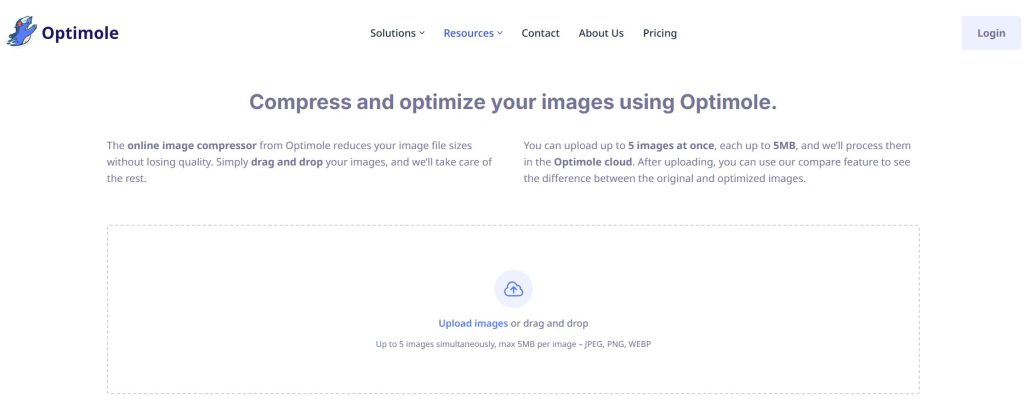
This broader functionality positions Optimole as a long-term performance optimization solution rather than just a basic compressor.
Key Features
- Cloud-driven real-time image optimization
- Automatic resizing based on device and screen size
- Built-in content delivery network (CDN)
- Designed to improve website speed and Core Web Vitals
Advantages
- Strong impact on overall site performance and SEO
- Reduces manual image management
- Scales effectively with growing traffic
- Ideal for professional web environments
Ideal Use Case
Best for:
- WordPress and dynamic website owners
- Developers focused on speed optimization
- Businesses needing automated long-term image delivery
It stands as a performance-centric optimization ecosystem, not just a simple compression tool.
How to Choose the Right Image Compressor for Your Needs 🎯
Selecting the best image compressor is not only about file size reduction—it’s about choosing a tool that aligns with your workflow, performance goals, and content type.
Different users require different levels of control, automation, and speed, so understanding your primary objective makes the decision much easier.
For Maximum Simplicity
If your priority is quick and effortless image compression, choose a browser-based tool that works instantly with minimal steps.
These platforms usually provide drag-and-drop uploads, automatic optimization, and one-click downloads, making them ideal for beginners or anyone who wants results without technical configuration.
This approach is especially useful for:
- Bloggers publishing regular content
- Students or casual users sharing images online
- Social media creators needing fast uploads
For Website Performance Optimization
Website owners and developers should focus on tools that go beyond basic compression and support automation, CDN delivery, responsive resizing, and modern format conversion.
These advanced capabilities help improve Core Web Vitals, page speed scores, and overall SEO performance, which directly impact search rankings and user experience.
Such solutions are best suited for:
- Business websites and e-commerce stores
- High-traffic blogs with many images
- Performance-focused development workflows
For Advanced Manual Control
Designers and technical users often need precise control over compression level, image quality, and output format.
Tools with adjustable sliders, preview comparisons, and format selection allow deep optimization tailored to specific visual requirements.
This level of control is valuable when:
- Preparing high-resolution web graphics
- Balancing visual clarity vs. file size
- Optimizing assets for professional design projects
For Daily Social Media or Blog Use
For routine publishing tasks, the most practical choice is a fast, lightweight online compressor that delivers reliable results within seconds.
Speed and convenience matter more than advanced configuration in these everyday scenarios.
This makes simple compressors ideal for:
- Blog post featured images
- Instagram, Facebook, or X uploads
- Messaging and quick file sharing
Ultimately, the right image compressor depends on whether you value simplicity, automation, precision, or speed in your workflow.
Download Images From Any Platform Without Screenshot or Watermark 🖼️
While compressing images is essential for improving website speed, SEO performance, and storage efficiency, many users face another common challenge—
downloading original images or photos from online platforms without relying on screenshots or losing quality.
Screenshots often reduce clarity, include unwanted interface elements, and may introduce visible watermarks.
To avoid these issues, dedicated web utilities now allow users to save clean, high-resolution images directly from supported platforms in just a few simple steps.
One practical solution is the GetInDevice image downloader tool, which helps users download images from multiple online sources in their original resolution and without unnecessary overlays.
This makes it easier for creators, bloggers, and researchers to collect high-quality visuals before moving on to compression or optimization.
This workflow is especially helpful for:
- Gathering reference visuals for design, blogging, or creative projects
- Preparing clean images for presentations, research, or documentation
- Saving media files without screen-capture quality loss or cropping issues
- Maintaining full image clarity before applying compression for web performance
By combining a reliable image downloading solution with the compression tools discussed in this guide, users can create a complete and efficient image-management workflow—from obtaining the original file to optimizing it for fast, SEO-friendly web delivery.
Final Thoughts
Choosing the right image compressor can significantly improve website speed, SEO performance, storage efficiency, and user experience.
All the tools covered in this guide provide valuable online image compression capabilities, each suited to different workflows—from simple everyday use to advanced optimization and full website performance management.
As digital content continues to grow in size and quality, smart image compression will remain a critical part of modern web optimization.
