
Artificial intelligence is changing the way websites are created. What once required developers, designers, SEO experts, copywriters, and hours of manual setup can now be done in minutes with AI-powered website builders. Whether you are launching a startup, portfolio, blog, agency site, online store, or personal brand, AI website builders are making web development faster, easier, and far more accessible.
The biggest reason behind the rise of AI website builders is simple: people want professional websites without dealing with coding complexity. Modern AI builders can generate layouts, write website copy, create images, optimize SEO, design responsive pages, and even suggest branding elements automatically.
In 2026, the competition among AI website builders has become intense. The technology has evolved from simple text-to-template layout engines into autonomous systems capable of understanding design logic, brand positioning, and dynamic user experience. Some focus on ultra-fast website generation, while others prioritize creative freedom, branding, ecommerce, or professional design systems.
After deep research and analysis, we have ranked some of the most talked-about AI website builders based on usability, AI capabilities, design quality, customization, performance, and overall value. This list follows the exact ranking order requested and explores every platform in depth so you can choose the right AI website builder for your needs.
Why AI Website Builders Are Becoming So Popular
AI website builders are no longer just “simple drag-and-drop tools.” They now function like intelligent web assistants capable of handling multiple tasks simultaneously. The modern web development lifecycle has shifted away from isolated, manual steps. Instead, artificial intelligence acts as an automated project manager that works instantly.
[Traditional Workflow]  ──> Planning ──> Wireframing ──> Design ──> Coding ──> QA ──> Deployment (Weeks)
[AI-Driven Workflow]   ──> Single Natural Language Prompt ──> Production-Ready Live Site (Seconds)
Some major reasons why creators and businesses are shifting toward AI-powered web builders include:
Faster Website Creation
Many AI builders can generate a complete website in under five minutes using only a few prompts. The transition from a blank canvas to a fully populated multi-page site happens simultaneously, cutting project turnaround times by over 90%.
No Coding Required
Users without technical knowledge can build professional-looking websites easily. The underlying systems write complex HTML, CSS, JavaScript, and database schema behind the scenes, allowing the user to manage the entire interface using simple language commands. While AI website builders help you create the core structure, you can easily supercharge your site’s functionality using POWR. It allows you to add contact forms, popups, and social feeds seamlessly without touching a single line of code.
AI-Generated Content
Most modern platforms now include AI copywriting tools for headlines, descriptions, product pages, blogs, and SEO text. These systems are powered by large language models that naturally align tone with specific industry contexts, removing the common challenge of writing copy from scratch.
Responsive Design Automation
AI systems automatically optimize websites for desktop, tablet, and mobile devices. Rather than forcing you to adjust margins and padding manually for every device size, the platform calculates fluid grid scales automatically to ensure flawless performance on any screen.
SEO Optimization
Many platforms now integrate AI SEO recommendations, metadata generation, and content structuring. Crucial search factors like semantic header tags ($H_1, H_2, H_3$), schema markup, image alternative text, and fast-loading page speeds are handled automatically during the initial build phase.
Affordable Website Development
Hiring professional development teams can be highly expensive for small businesses. AI website builders significantly reduce software development costs, enabling startups and individual creators to validate concepts immediately without major upfront financial risks.
1. Design.com : A Complete AI Branding and Website Creation Ecosystem
Design.com has rapidly become one of the most versatile AI-powered creative platforms for businesses and creators. Unlike traditional website builders that focus only on page creation, Design.com combines branding, logos, social assets, marketing tools, and website generation into a unified AI ecosystem.
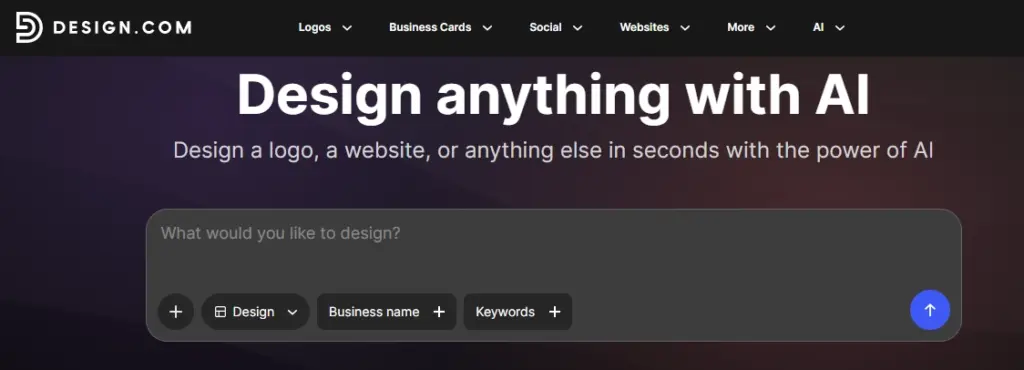
The platform is especially useful for entrepreneurs who want everything under one roof. Instead of using separate tools for logo design, business cards, websites, and branding kits, users can generate an entire digital identity through AI.
What Makes Design.com Stand Out
One of the strongest aspects of Design.com is simplicity. The platform guides users through a business-focused setup process where AI analyzes industry type, branding style, and business goals before generating website concepts. The platform treats a website not as an isolated page, but as a central piece of a larger brand identity.
This Tool also integrates:
- AI Logo Generator: Users can instantly generate brand logos with multiple style variations, scalable vector exports, and transparent layers.
- AI Website Templates: The AI suggests modern layouts based on your niche, eliminating generic designs in favor of tailored section blocks.
- Branding Automation: Color palettes, typography, and visual identity are automatically aligned across your entire web presentation.
- Marketing Asset Generation: Social media posts, business cards, banners, and branding materials can be created within the same platform to ensure complete brand consistency.
Best Use Cases
Design.com works especially well for:
- Startups looking to establish a complete digital footprint and brand guidelines in a single session.
- Small businesses that want to eliminate multi-app workflows for graphic design and web hosting.
- Freelancers and Personal Brands who need a unified, clean portfolio with matching social headers and digital business assets.
Pros of Design.com
- All-in-One Branding Solution: It goes beyond websites and helps create an entire business identity simultaneously.
- Beginner Friendly: The dashboard is clean, accessible, and avoids technical development language.
- Fast AI Workflow: You can go from an abstract business idea to a live website with matching brand graphics quickly.
Limitations
- Advanced developers may find customization options slightly limited compared to highly flexible builders like Framer or Webflow-style platforms. Still, for speed, simplicity, and visual consistency, Design.com is one of the strongest AI website builders available today.
2. Neo.space : Focused on Simplicity and Productivity
Neo.space AI Website Builder (commonly integrated within the Neo growth suite) is designed for users who want a clean, business-oriented website creation experience powered by AI automation.
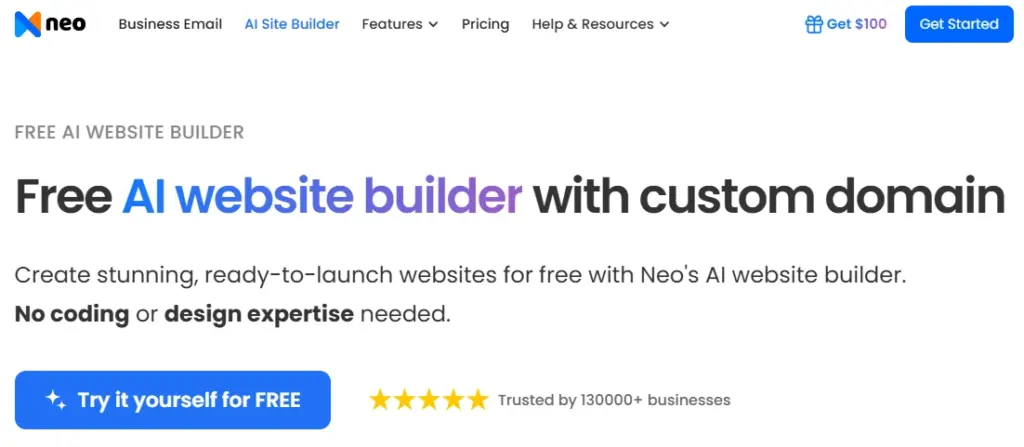
This focuses heavily on workflow simplification, reducing website setup into a conversational AI process where users describe their business goals, and the system automatically generates site structures, copy, and layouts.
Core Features
- AI Content Generation: The platform writes business descriptions, service pages, and headlines automatically, optimized for conversion.
- Smart Layout Creation: AI arranges content sections intelligently for readability, balancing text weight with visual contrast.
- Productivity Integration: Unlike closed site-builders, Neo integrates deep workspace communication. It sets up professional custom domains and links them to a business email inbox (e.g., [email protected]) featuring smart priority filtering and tracking tools.
- Integrated Booking Engine: Built-in calendar automation allows local service providers to accept customer consultations directly through the generated page without external plugins.
Why Businesses Like Neo.space
Many small businesses struggle with the “blank page problem” during website creation. Neo.space eliminates that issue by automatically generating starting points that already feel professional. It solves the technical friction of syncing an external domain name, setting up an email MX record, and building a landing page by consolidating them into a single step.
Best For
- Local businesses and consultants who need a polished online presence paired with secure client communication infrastructure.
- Professional service providers who want integrated calendar booking directly on their landing page.
Key Strengths
- Clean Interface: The dashboard avoids unnecessary clutter and focuses on business metrics.
- All-in-One Core Setup: Bundling websites, custom domains, and professional webmail out of the box reduces administrative overhead.
- Business-Centric Design: The generated websites feel optimized for real-world business use rather than experimental design.
Neo.space Tier Analysis
- BusinessBasic ($3.59/mo, billed yearly): Provides a quick entry point with 1 GB of cloud storage, custom domain connectivity, and foundational layout tools alongside standard font kits and contact forms.
- BusinessPlus ($4.79/mo, billed yearly): Opens up 10 GB of storage, unlocks deeper customization with up to 500 product or service listings, accommodates expansive image galleries, and removes all platform branding.
- BusinessGrowth ($11.99/mo, billed yearly): Built for scaling operations, offering 50 GB of storage, unlimited AI generation using the latest language models, premium font configurations, and priority customer support.
Areas That Could Improve
- Neo.space currently focuses more on operational efficiency than complex visual creativity. Users looking for highly animated or experimental design experiences may prefer Framer later in this list.
3. Caffeine.ai : Most Interesting New AI Website Builders
Caffeine.ai is gaining major attention because of its highly AI-centric approach to web development. Instead of simply assisting users with layout changes, the platform attempts to behave like an autonomous software engineering partner.

Caffeine.ai emphasizes intelligent generation, automation, and rapid iteration, reducing repetitive design tasks so users can focus on product strategy rather than manual configuration.
What Makes Caffeine.ai Different
Unlike many builders that still rely heavily on traditional drag-and-drop mechanics, Caffeine.ai pushes deep into full-stack application generation through everyday chat. It allows you to build not just a landing page, but interactive web tools, internal dashboards, and custom SaaS prototypes.
- AI Layout Structuring: Automatically arranges interactive content blocks based on optimal web usability patterns.
- AI Copywriting: Generates precise landing page copy, calls-to-action, and feature cards based on targeted user intent.
- Smart Visual Recommendations: Suggests unique imagery, typography pairings, and micro-interactions matched to your target audience.
- Code Exportability: The platform provides complete code ownership, allowing developers to export clean, structured layouts to use anywhere.
Ideal Users
- Startup founders and digital product managers looking to build minimum viable products (MVPs) quickly.
- Solo creators and SaaS innovators who want to experiment with interactive web interfaces without technical complexity.
Biggest Advantages
- Extremely Fast Chat Workflow: You can generate and refine multiple website and application concepts using conversational text commands.
- AI-Native Full-Stack Architecture: The platform goes beyond static templates, offering simple database structuring and interface states.
- Reduced Manual Setup: Less time spent adjusting padding, columns, and grid settings manually.
Caffeine.ai Tier Analysis
- Free ($0/mo): Perfect for exploring the platform, allowing you to develop up to 3 simple projects in parallel with up to 25 complimentary credits per month.
- Starter ($15.99/mo): Supplies 40 core development credits per month, unlocks unlimited parallel projects, and includes custom domain publishing alongside integrated user email tools.
- Plus ($29.99/mo): Designed for active creators, offering 110 credits per month to build roughly 7 simple or 3 advanced full-stack applications, with the ability to publish up to 10 apps on the marketplace.
- Pro ($99.99/mo): Tailored for power users and enterprise teams, providing 400 credits per month to build up to 30 custom applications with zero marketplace publishing limits.
Drawbacks
- Because the platform uses a highly advanced, newer approach compared to traditional website hosts, some ecosystem plug-ins and third-party integrations may still evolve over time. However, Caffeine.ai represents exactly where AI website creation is heading in the future.
4. Rocket.new : AI No-Code Website Builder for Fast Website Creation
Rocket.new is an AI-powered no-code website builder that helps users create websites and landing pages from natural language prompts. Instead of starting with a blank template, users can describe the type of website they want, and Rocket.new generates a working website foundation that can be refined further.
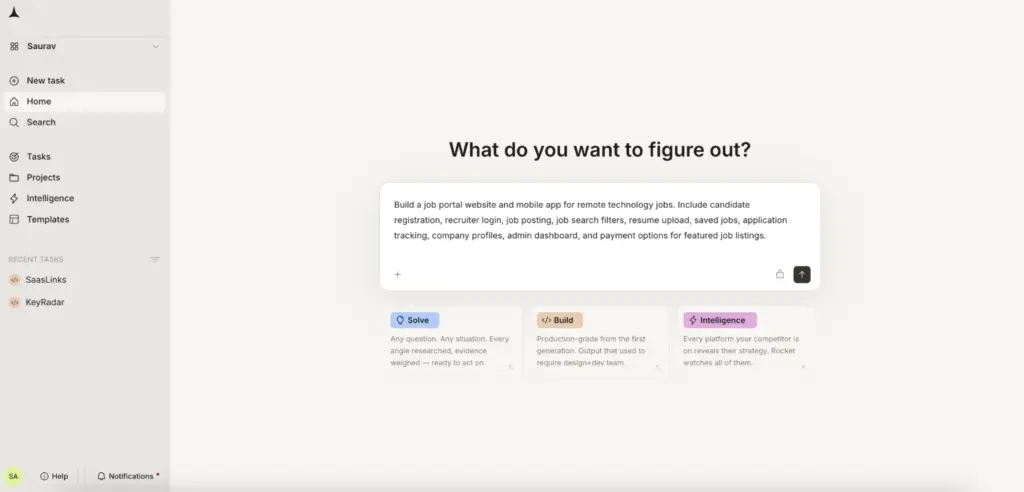
The platform is useful for startups, creators, marketers, and small businesses that want to build professional websites faster without depending heavily on designers or developers. Rocket.new also supports responsive layouts, custom domains, staging and production environments, integrations, analytics, and team workspaces.
What Makes Rocket.new Stand Out
- Prompt-Based Website Creation: Users can describe their website idea, audience, and purpose, and Rocket.new helps generate a structured website quickly.
- Landing Page Builder: The platform works well for startup landing pages, product pages, campaign pages, and service websites.
- Business Website Support: Rocket.new can help create clean, modern websites for businesses that need a faster way to test ideas or launch online.
- Team-Friendly Workflow: Features like workspaces, custom domains, staging, production environments, and analytics make it useful for small teams and growing businesses.
Best For
- Startup founders who need to launch landing pages or business websites quickly.
- Marketers testing campaign pages or product concepts.
- Small businesses that want a faster AI-assisted website creation process.
Key Strengths
- Fast AI Workflow: Move from prompt to website structure quickly.
- No-Code Friendly: Suitable for users without technical development knowledge.
- Flexible Website Use Cases: Useful for landing pages, business websites, product pages, and interactive web experiences.
Rocket.new Tier Analysis
- Free ($0/mo): Includes 20 one-time credits.
- Build ($25/mo): Includes website and app building, 100 monthly credits, unlimited team members, workspaces, staging and production environments, custom domains, integrations, analytics, and role-based access.
- Solve + Build ($250/mo): Adds business problem solving, PRD support, context ingestion, smart suggestions, and board-ready outputs.
- Solve + Build + Intelligence ($350/mo): Adds competitive intelligence, 24/7 tracking, daily briefs, trend synthesis, and company intelligence.
Drawbacks
Rocket.new is broader than a traditional website-only builder, so users who only need a basic template website may find simpler tools enough. However, for entrepreneurs and teams that want AI-assisted website creation with room to build more interactive web experiences, it is a strong option.
5. CodeDesign.ai : Built for Speed and Simplicity
CodeDesign.ai has become increasingly popular among beginners because of its ability to generate sleek websites incredibly fast.
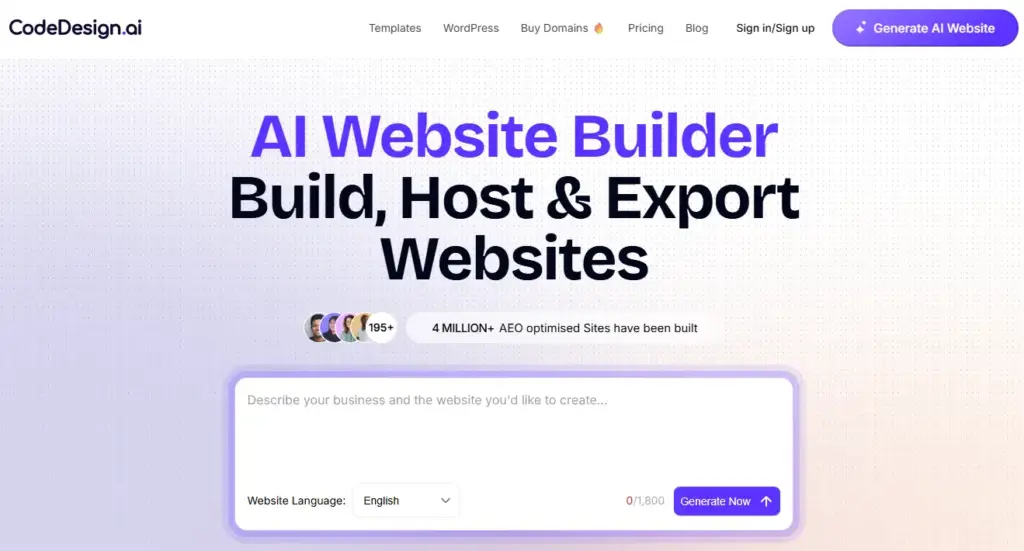
The platform balances beginner-friendliness with surprisingly advanced publishing features. It focuses on turning plain English prompts into production-ready web designs while providing deep customization choices.
Features That Make CodeDesign.ai Powerful
- AI Website Generation: Generates complete multi-page structures from a single detailed prompt, complete with relevant visual assets.
- AI Vibe Companion: Allows users to modify layout sections, change branding tones, and shuffle specific blocks by simply chatting with the AI.
- WordPress Syncing: A major technical benefit is its native plugin integration, which lets you design a site inside CodeDesign and sync it directly into an active WordPress core.
- Universal Export Flexibility: Users retain full code ownership, with options to download clean, well-structured, standard HTML, CSS, or React code to host anywhere.
Why Beginners Love It
The platform avoids overwhelming user interfaces. Everything feels guided, interactive, and smooth. It includes built-in security features like automated SSL certificates, custom domain linking, and cloud database storage for contact forms.
Best For
- Beginners and small business owners who want an easy setup process without platform lock-in.
- Growth teams that need fast landing pages and MVPs that can scale into the WordPress ecosystem later.
Major Strengths
- Easy to Learn: Zero coding experience or structural engineering knowledge required.
- Fast Website Launches: Perfect for getting an idea online and live under a professional custom domain in minutes.
- Flexible Lifetime Architecture: Rather than tracking ongoing subscription payments, CodeDesign offers accessible lifetime access tiers.
CodeDesign.ai Lifetime Architecture
- Lifetime Deal ($79 one-time payment): Replaces recurring monthly fees with lifetime access to the platform. It includes the ability to build and host 2 distinct websites permanently, provides 1 free professional domain registration, and bundles dedicated AI assistant credits to design, update, and manage your sites over the long run.
Limitations
- Advanced design artists who need deep frame-by-frame animation control or timeline-based scroll effects may eventually want to pair this tool with a design-first builder like Framer.
6. Relume : Loved by Designers and Agencies
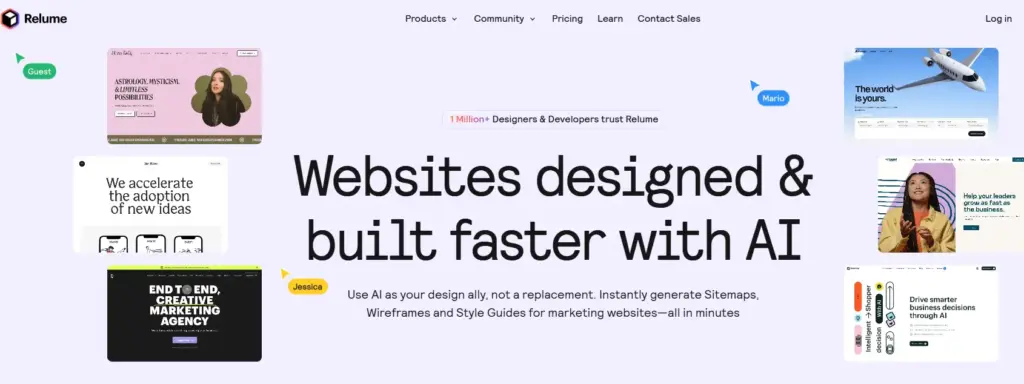
Relume takes a completely different approach than traditional consumer-facing AI website builders. Instead of generating finished, colorful templates for complete beginners, Relume is an advanced structural planning and wireframing ecosystem engineered specifically for professional UX designers, high-growth digital agencies, and product teams.
Why Relume Is Unique
Relume uses artificial intelligence to solve the early architectural bottleneck of web design. It focuses heavily on defining clear information structures and layout logic before diving into visual styling like typography and color choices.
- Prompt-to-Sitemap Systems: Users can enter a project brief, and the AI instantly generates a comprehensive multi-page sitemap and information architecture to keep projects in scope.
- Wireframe Automation: With one click, the system turns approved sitemaps into clean, unstyled wireframe layouts built out of thousands of standardized UI components.
- Component Libraries: Uses a library of standardized blocks containing realistic placeholder text, helping clients focus on messaging and user experience layout instead of design distractions.
- Design Pipeline Exports: Supports seamless, one-click copy-pasting directly into professional development pipelines like Figma, Webflow, React (via Tailwind CSS and Shadcn UI), or Claude Design.
Best Users for Relume
- Digital agencies and UX/UI design groups that want to cut out hundreds of hours of manual layout work during initial client approvals.
- Webflow professionals and frontend developers looking for a streamlined structural foundation for major web builds.
Major Advantages
- Professional Workflow: Built to integrate smoothly into high-level enterprise design software pipelines.
- Huge Time Savings: Creates detailed structural maps and wireframe blueprints in seconds rather than days.
- Better Client Collaboration: Includes inline commenting, shareable layouts, and clean wireframe views that keep project goals clear.
Downsides
- Relume is a professional tool and is not intended for beginners who want a complete, pre-styled website automatically launched out of the box. It is a powerful accelerator for professional creators who handle the final design execution elsewhere.
7. Olitt : Affordable for Small Businesses
Olitt focuses on helping small businesses, solo store owners, and local shops build clean, high-performing websites without expensive setup or high monthly hosting costs.
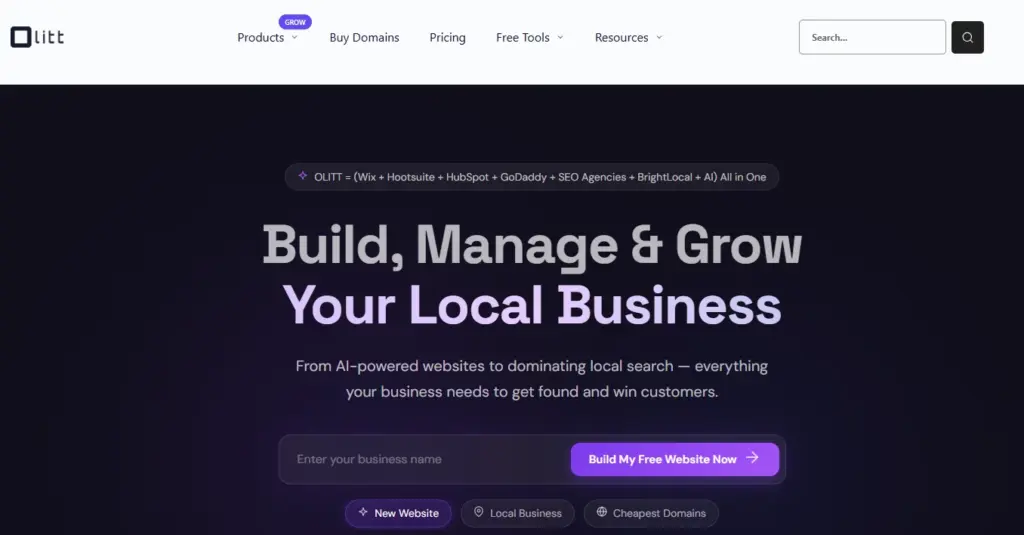
The platform balances simple AI generation with lightweight, highly efficient web frameworks optimized for speed and search engine discovery.
Important Features
- AI Website Setup: The onboarding process quickly generates a clean, simple website using foundational business data.
- Edge-Network Architecture: Websites are automatically deployed across a global Edge Content Delivery Network (CDN), ensuring fast loading speeds worldwide.
- Advanced DNS Control: Includes a professional DNS management system along with built-in, auto-renewing SSL encryption certificates.
- Simple Ecommerce Integration: Features lightweight payment gateways and product cards, making it easy to accept payments for small online storefronts.
Best Use Cases
- Local brick-and-mortar stores that need a fast, budget-friendly informational page.
- Marketers and personal brands who want to build and test multiple high-performance landing pages quickly.
Key Advantages
- Budget-Friendly: Offers highly competitive pricing alongside an accessible free tier, making it ideal for teams with limited overhead.
- Excellent Performance Optimization: Lean code execution results in exceptional Google PageSpeed scores, boosting natural search rankings.
- Low Learning Curve: The sectional editor avoids complex configuration menus, keeping updates straightforward.
Olitt.com Tier Analysis
- Free Plan ($0/mo): Lets users build and launch up to 3 responsive websites under an Olitt subdomain. It includes 500 MB of cloud storage, built-in SEO tools, and access to their core template library.
- Premium Plan (Highly Competitive Pricing): Unlocks custom domain connectivity, expands cloud storage and bandwidth limits, removes all platform branding, and grants full access to advanced DNS controls and premium integrations.
Weaknesses
- Compared to visually creative platforms like Framer or Tilda, Olitt focuses on simple, functional structures. It offers fewer options for experimental animations or highly custom layout overrides.
8. 10Web : Builders for WordPress Users
10Web AI Website Builder is a major platform in the automated web ecosystem, specifically designed to bridge the gap between AI generation and the massive power of the WordPress core.
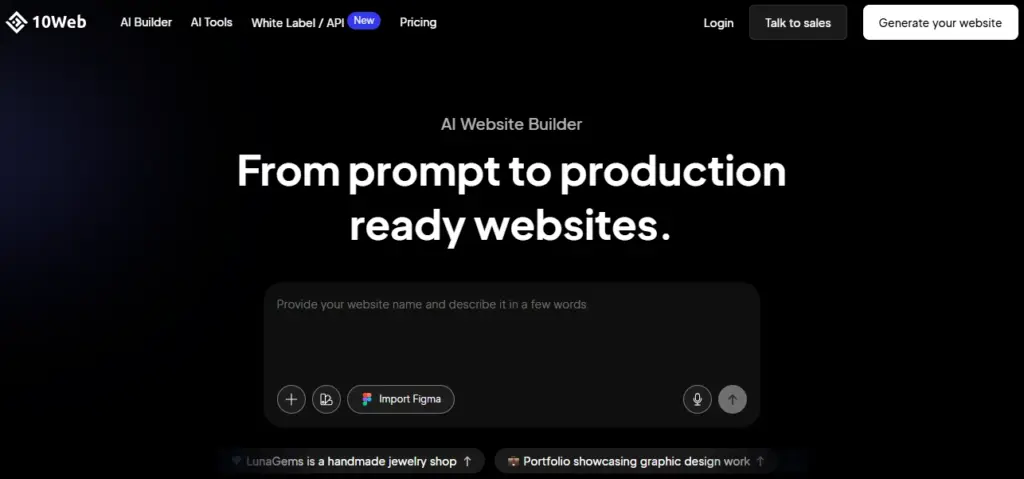
Instead of locking users into a closed, proprietary editor, 10Web builds everything on top of an open, highly scalable WordPress backend, using an AI-powered visual companion.
Why 10Web Is So Popular
10Web gives you the best of both worlds: the speed of automated layout generation combined with access to thousands of open-source WordPress plugins, themes, and developer-level configurations.
Top features include:
- AI Website Recreation (URL Cloner): Users can enter the web address of any existing page online, and the AI automatically analyzes and recreates it into a fully editable WordPress layout.
- Figma-to-WordPress Pipeline: Converts professional Figma vector art files directly into production-ready WordPress pages in minutes.
- Automated WooCommerce Builder: Instantly generates online store layouts, product catalogs, shopping carts, and dynamic checkouts.
- PageSpeed Booster: Every site is hosted on high-performance Google Cloud infrastructure and includes automated caching and code minification to guarantee a 90+ core web vitals speed score.
Best For
- Agencies and developers who want to manage multiple client sites efficiently using a unified dashboard.
- Growing ecommerce brands that need the long-term scalability of WooCommerce without manual theme setup.
Biggest Strengths
- Complete Scalability: Your site is built on open WordPress, meaning you can add custom code or migrate hosting providers whenever you want.
- White-Label Customization: Useful for agencies looking to present the AI builder interface to clients under their own company logo and brand colors.
- Robust Automated Infrastructure: Bundles automated daily cloud backups, advanced staging environments, and 24/7 technical support. Plans start around $10/month, making it highly competitive for managed hosting.
Limitations
- The sheer volume of features, plugin options, and hosting controls may feel slightly more complex for absolute beginners compared to simple single-purpose landing page generators.
9. Durable : The Fastest AI Website Builder for Small Businesses
Durable AI Website Builder became famous for a clear, powerful feature: the ability to generate a fully operational business website in just 30 seconds.
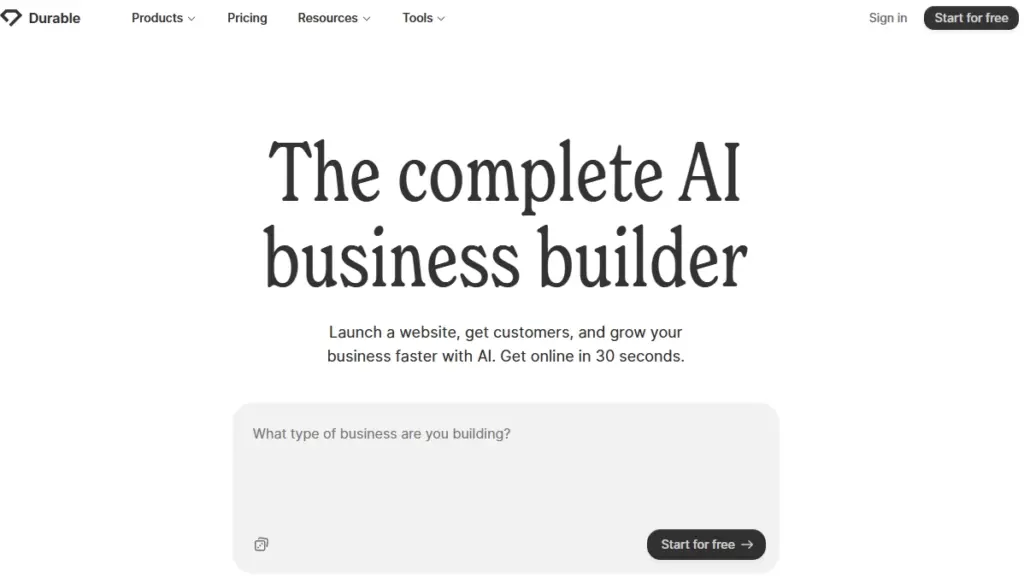
The platform is deeply optimized for small businesses, contractors, and local service operators who prioritize speed and simplicity over complex custom coding.
Core Features
- One-Click Site Generation: By entering just your business name, industry, and geographic location, the engine creates a complete layout populated with localized copywriting, matching imagery, map widgets, and functional contact forms.
- Integrated Business CRM: Leads generated through your website automatically sync into a built-in customer relationship management tool to track client interactions.
- Automated Financial Invoicing: Allows users to create professional invoices, set up secure payment gateways, and track client revenue from the same central dashboard.
- 24/7 AI Business Assistant: Includes an inline AI companion that instantly drafts social media ad copy, designs promotional emails, and optimizes site content on command.
Why Businesses Like Durable
Small business owners often care more about getting online quickly than adjusting minor layout pixels. Durable delivers an operational business hub instantly, combining web design, marketing, and client tracking tools into one simple workflow.
Best For
- Local service providers, contractors, real estate agents, and consultants who need a clean, professional web presence immediately.
Key Advantages
- Unmatched Setup Speed: You can take a business live under a professional domain in minutes.
- Replaces Fragmented Software: Consolidates website creation, customer tracking, and invoicing into one platform.
- Minimal Learning Curve: Designed to be used effortlessly from a smartphone or desktop without any technical background.
Durable.co Subscription Architecture
- The Launch Plan ($25/mo): Replaces up to seven separate software subscriptions by combining an automated website builder, professional domain management, hosting, analytics, CRM tools, and invoicing software into one straightforward, business-ready subscription.
Downsides
- Creative design flexibility is more structured. If your project requires custom advanced animations or highly complex database relationships, design-focused systems like Framer are a better fit.
10. Framer : for Modern Creative Websites
Framer has become one of the premier platforms for professional designers, tech startups, and creative teams.
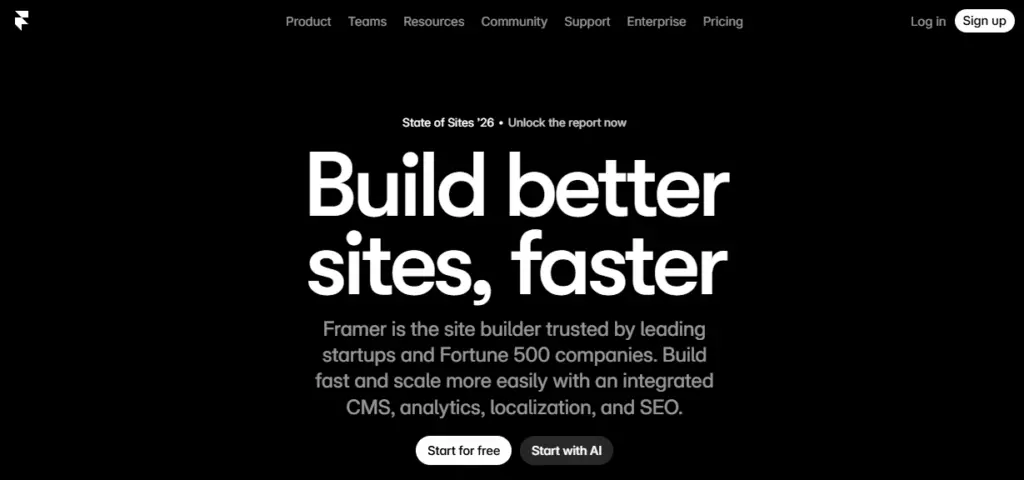
It completely reimagines web development by combining an open, freeform visual design workspace with advanced AI layout generation, translating your visual canvas into clean code behind the scenes.
What Makes Framer Exceptional
Unlike rigid section-based block builders, Framer provides an unrestricted canvas similar to professional UI design software like Figma. You can use its natural language AI prompt engine to instantly generate modern page layouts, styled content, and color palettes, and then use Framer’s advanced manual tools to customize every detail.
- Advanced Motion & Animation Engines: Build complex scroll transitions, parallax effects, smooth hover triggers, and multi-state component micro-animations without writing code.
- Localization Tools: Change and translate complete website content layouts based on the geographic location of individual web visitors.
- Native CMS Integration: Features a fast, built-in Content Management System ideal for scaling corporate blogs, product feature lists, and detailed portfolios.
- Flawless Design Execution: The code written by the platform is incredibly performant, clean, and perfectly responsive across all screen breakpoints.
Best For
- Design agencies, premium consumer brands, SaaS startups, and creative artists who want unique websites that stand out visually.
Major Strengths
- Stunning Aesthetic Quality: Easily creates complex modern layout designs that look like they were custom-coded by an elite development team.
- Total Visual Control: Perfect balance of automated AI assistance and deep, pixel-precise manual editing.
- Rapid Prototyping-to-Production: Move from an initial design concept to a globally published website with a single click.
Weaknesses
- Because it is a professional-grade design tool, absolute beginners may face a slight learning curve as they get familiar with layout options like stacks, grids, and animation layers.
11. Tilda AI : AI Website Creation Combined With Beautiful Storytelling
Tilda AI focuses on helping creators, brands, and marketers design highly engaging web experiences built around visual storytelling, clean typography, and elegant editorial layouts.
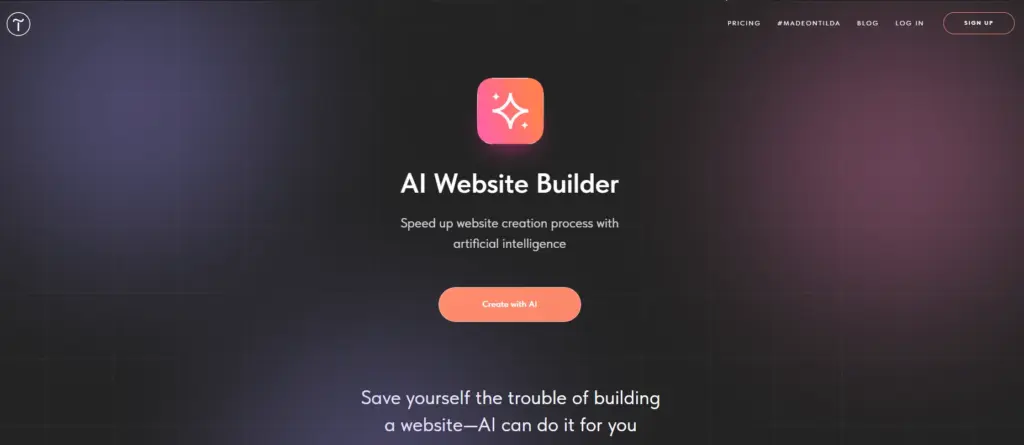
The platform blends automated AI layout generation with a modular block-based design architecture.
What Makes Tilda Special
Tilda avoids generic, blocky web layouts by focusing heavily on proportion, professional whitespace, and readability. It offers an expansive library of over 550 beautifully pre-designed structural sections that users can mix, match, and automate.
- AI Section Generation: Automatically matches block sequences, selects typography hierarchies, and writes balanced copy based on your industry niche.
- Zero Block Custom Canvas: A powerful built-in editor that allows graphic designers to build custom layout sections from scratch with absolute control over element layering and positioning.
- Rich Media Formatting: Features structured layout presentation options for high-impact image galleries, immersive full-screen video background cards, and editorial articles.
- Marketing and Data Capture Integration: Integrates smoothly with popular CRM tools, analytical packages, and data collection systems to capture client inquiries effortlessly.
Best For
- Creative portfolios, lookbooks, long-form editorial blogs, event landing pages, and media websites that prioritize clean, striking typography.
Main Advantages
- Elegant Visual Style: Out-of-the-box designs feel modern, premium, and balanced.
- Great Typography System: Excellent line spacing, scale controls, and reading layouts make it highly effective for content-heavy pages.
- Easy Section Customization: Dragging, dropping, and rearranging content blocks is intuitive and straightforward.
Downsides
- Deep enterprise application frameworks or complex ecommerce inventory management systems are more structured here compared to specialized platforms like 10Web. However, for visual storytelling and editorial aesthetics, Tilda is highly respected.
How to Choose the Right AI Website Builder
Selecting the ideal platform from this list depends entirely on your specific project goals, technical comfort level, and long-term business needs.
- Choose Design.com If: You want a comprehensive branding ecosystem that simultaneously generates logos, social assets, and business collateral alongside your main website setup.
- Choose Neo.space If: You want an all-in-one small business platform that seamlessly bundles your website with custom domain names and professional corporate email.
- Choose Caffeine.ai If: You are looking for an advanced, full-stack AI creation environment that builds functional applications and prototypes using simple text chat.
- Choose CodeDesign.ai If: You want an intuitive platform to launch websites fast, with the flexibility of lifetime pricing plans and direct exports to WordPress.
- Choose Relume If: You are a professional agency or UX designer who needs to generate structured sitemaps and clean wireframes to export directly into Figma or Webflow.
- Choose Olitt If: You need to launch highly optimized, fast-loading micro-sites or landing pages on a limited budget.
- Choose 10Web If: You want to leverage the massive scalability and plugin ecosystem of open-source WordPress, accelerated by automated AI layouts and site cloning.
- Choose Durable If: You are a local service provider or independent contractor who wants a complete operational website, integrated CRM, and invoicing system in 30 seconds.
- Choose Framer If: You are a designer or startup that wants absolute creative freedom, high-end scroll effects, and stunning visual interactions without code.
- Choose Tilda If: You are a creator or marketer looking to build visually elegant landing pages focused on beautiful typography and editorial storytelling.
- Choose Rocket.new If: You are a startup founder or marketer who wants to rapidly move from a natural language prompt to a structured landing page with built-in staging environments and team workspaces.
Final Thoughts
AI website builders are no longer just experimental tools; they represent the modern standard for fast, efficient web development. By removing technical barriers, they allow businesses to launch faster, let creators focus entirely on messaging, and give startups an easy way to validate ideas without high development costs.
The key to success is choosing a platform that aligns with your long-term goals. If you prioritize speed and business automation, tools like Durable or Neo.space are fantastic. If you want deep creative control and high-end aesthetics, platforms like Framer or CodeDesign offer incredible flexibility. As artificial intelligence continues to evolve, web creation will only become more conversational, automated, and accessible-and these platforms are already leading that transformation.
