
The journey of video background removal has been nothing short of transformative. What once required Hollywood-grade setups-green screens, precise lighting, and painstaking frame-by-frame editing-has now evolved into a seamless, AI-driven process accessible to anyone with a laptop.
In 2026, artificial intelligence has completely redefined how creators approach video editing. You no longer need a controlled studio environment to isolate a subject. Whether you’re filming in a crowded office, a park, or your bedroom, modern AI tools can accurately separate foreground from background with near-perfect precision.
This shift isn’t just about convenience-it’s about creative freedom. Editors and creators can now focus on storytelling rather than wrestling with technical limitations. The “juice” of creativity flows when friction disappears, and that’s exactly what AI-powered background removal delivers.
Why Traditional Green Screens Are Becoming Obsolete
For decades, chroma key (green screen) technology dominated video production. While effective, it came with several limitations:
Limitations of Green Screens
- Requires controlled lighting conditions
- Prone to color spill issues
- Needs physical space and setup
- Restricts wardrobe choices
- Time-consuming post-processing
AI-based tools eliminate these barriers completely.
The AI Advantage
- Works in natural environments
- No need for special lighting or setup
- Handles complex scenes effortlessly
- Enables mobile and flexible shooting
This flexibility is especially valuable for modern creators who need to produce content quickly without sacrificing quality.
The Role of Temporal Consistency in Video AI
One of the biggest challenges in video editing is maintaining consistency across frames.
The Problem: Jitter
If frames are processed individually:
- Edges shift slightly
- Subjects flicker
- Output looks unstable
The Solution: Temporal Consistency
Advanced AI tools analyze motion across frames to ensure:
- Stable edges
- Smooth transitions
- Professional-grade output
This is one of the key factors separating average tools from the best ones in 2026.
Before you can remove a background, you need a high-quality source file. If you are looking to edit a clip from social media or a video platform, you’ll first need to save it to your device. Professionals often use the GetInDevice Video Downloader to quickly grab high-resolution footage from platforms like LinkedIn or Instagram before running them through the AI tools listed below.
1. Innova AI (Hugging Face) – The BiRefNet Open-Source Powerhouse
At the absolute top of our ranking is Innova AI, specifically the spaces built on the Hugging Face infrastructure. This tool is the “purest” form of AI video editing available today.
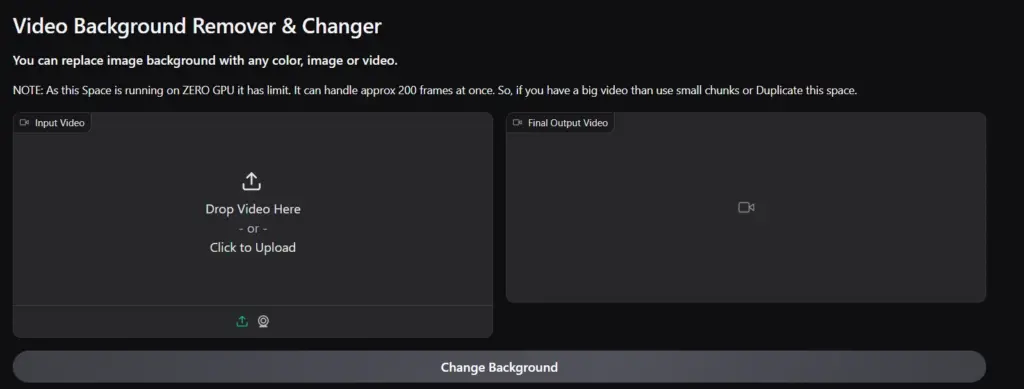
It isn’t a commercial product with a shiny marketing team; it is a deployment of the BiRefNet (Bilateral Reference Network), which is currently the most advanced model for salient object detection.
Why BiRefNet is a Game-Changer for Editors
Most AI models lose detail when they downsample a video to process it. BiRefNet is different because it uses a “Bilateral” path-one path focused on the global context (where is the person?) and another path focused on high-resolution details (where is the hair?). This allows it to keep a 1:1 pixel accuracy that few other tools can match. Because it is hosted on Hugging Face, it utilizes “Zero-GPU” or high-end NVIDIA A100 clusters, giving you enterprise-grade processing power for free.
Advanced Technical Nuances of Innova AI
For the professional user, Innova AI offers a “Fast Mode” using the BiRefNet_lite architecture. This is optimized for 1080p footage where you need a quick turnaround. However, if you are working on a cinematic 4K project, the standard BiRefNet model is the only choice. It handles depth-of-field spectacularly; even if your background is already “bokeh” blurred, the AI won’t get confused about where you end and the blur begins. This makes it the ultimate choice for high-end “talking head” videos and cinematic b-roll.
Pricing and Access
- Public Spaces: Completely Free. Users can access the tool via Hugging Face Spaces at no cost.
- Private GPU Cloud: If you wish to “Duplicate the Space” to avoid public queues, Hugging Face charges for hardware usage. This typically ranges from $0.05 per hour (CPU) to $0.80 per hour (NVIDIA A10G GPU).
- Watermarks: None. Since it is a research-based open-source deployment, there are no branding overlays on your footage.
2. Cutout.pro – The Swiss Army Knife for Visual Agencies
Ranking second is Cutout.pro, a platform that has transformed from a simple image tool into a massive AI ecosystem.
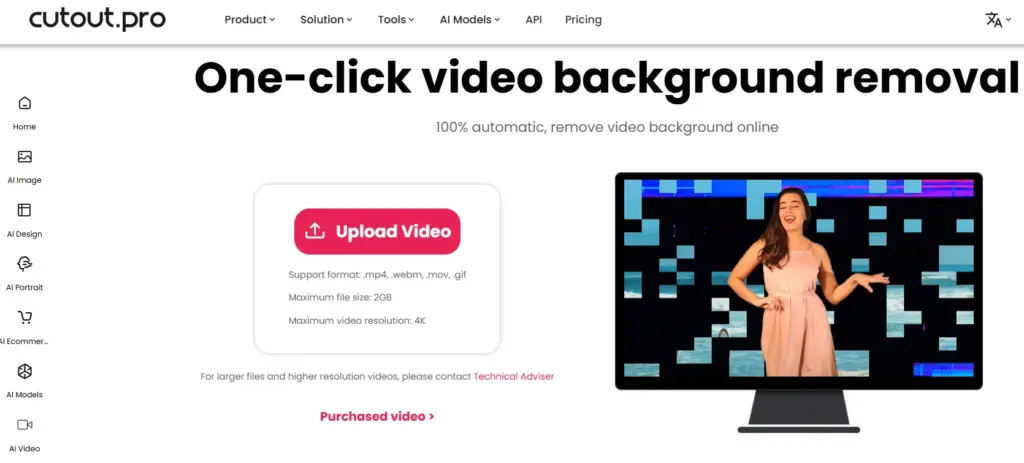
While Innova AI is for the “technical” editor, Cutout.pro is for the “busy” editor. It is designed for speed, scale, and versatility.
Batch Processing and API Integration
The real “juice” of Cutout.pro is its ability to handle massive workloads. For e-commerce owners or agencies managing hundreds of product videos, their API is a lifesaver. You can automate the background removal process so that every video uploaded to your server is automatically “cleaned” without a human ever touching a mouse. This level of automation is why it remains a market leader in 2026.
Edge Recovery and the Built-in Visual Suite
Cutout.pro excels at “Edge Recovery.” If you are wearing a fuzzy sweater or have complex curly hair, their proprietary matting algorithm does an incredible job of preserving that texture. Beyond just removal, the platform includes a full suite of tools like “AI Video Upscaler” and “Motion Blur Correction.” This means you can remove the background and improve the quality of your subject in a single, streamlined workflow.
Pricing Structure
- Free Account: Offers 5 free credits to test the service.
- Subscription Plan: Starts at $9.90 per month for 40 credits (roughly $0.24 per credit).
- Pay-As-You-Go: Starts at $4.99 for 3 credits ($1.66 per credit).
- Note: Video background removal usually costs 1 credit per second of video.
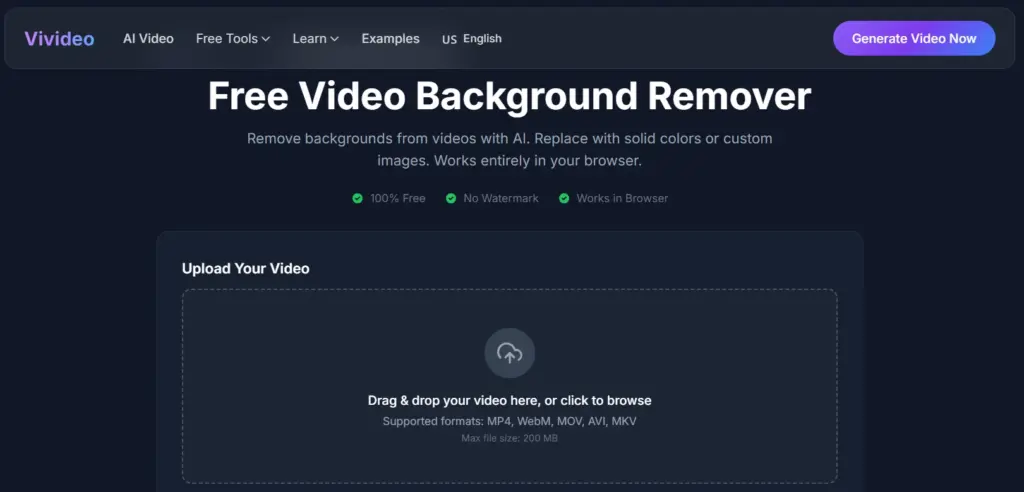
3. Vivideo.ai – The Social Media Creator’s Secret Weapon
For the influencer, the TikToker, and the YouTuber, Vivideo.ai is the undisputed champion. It takes the third spot on our list because it understands the “Creator Economy” better than anyone else.
It isn’t trying to be a VFX powerhouse; it’s trying to be the fastest way to get a video from your phone to the feed.
Optimized for “Talking Head” Content
Most social media content features a person speaking directly to the camera. Vivideo.ai has optimized its neural networks specifically for this “Human Silhouette.” It is remarkably fast at identifying faces and upper bodies, even in suboptimal lighting. If you’re filming a “Day in the Life” vlog in a messy room, Vivideo.ai can swap that background for a professional studio look in seconds.
Mobile-First Workflow and Templates
The platform is built to be used on mobile browsers just as easily as on a desktop. It comes pre-loaded with a library of “Trending Backgrounds.” Instead of searching for stock footage, you can select a background that is currently “viral” or fits the aesthetic of your niche. It also supports vertical aspect ratios (9:16) natively, ensuring that your cutout is perfectly framed for vertical platforms without any awkward cropping.
Pricing Structure
- Free Trial: Limited previews and low-resolution exports.
- Pro Plan: Approximately $12.99 per month, allowing for higher resolution (1080p) exports and longer video durations.
- Business Plan: Custom pricing for teams requiring high-volume processing and priority server access.
4. VideoBGRemover.com – The Professional’s Alpha Channel Export
Coming in at number four is VideoBGRemover.com. This is a “technician’s tool.” While other platforms try to give you a finished video with a new background.
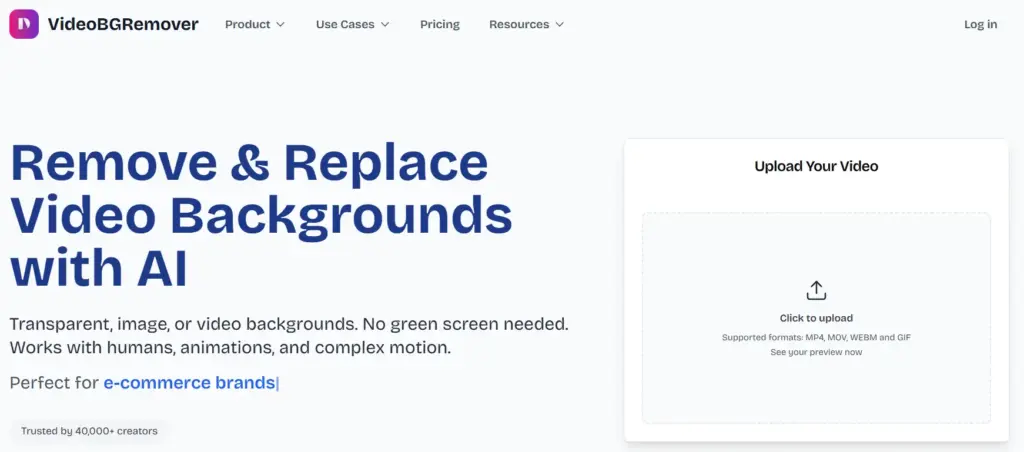
VideoBGRemover.com focuses on giving you the best possible source file for your professional editing software.
The Magic of ProRes 4444 and Alpha Channels
If you are a professional editor, you don’t want a “black background” or a “green screen” baked into your video. You want Transparency. VideoBGRemover.com is one of the few web tools that allows you to export in MOV ProRes 4444 or WebM with Alpha. This means when you drag the file into Adobe Premiere Pro or DaVinci Resolve, the background is already “gone.” There is no secondary keying required.
Handling High-Bitrate and Long-Form Content
One of the major “research” points for this tool is its stability with large files. Most online tools crash if you upload a video longer than 60 seconds. VideoBGRemover.com can handle clips up to 120 minutes in length. This makes it the go-to choice for documentary filmmakers or podcasters who need to remove backgrounds from hour-long interviews without losing sync or resolution.
Pricing Structure
- Free Preview: Allows you to process a few seconds to check the quality.
- Pay-Per-Minute: The platform typically operates on a minute-based system, costing around $1.50 to $3.00 per minute of video processed, depending on the chosen export quality (Standard vs. ProRes).
5. Artificial Studio – Affordable Cloud-Based Rotoscoping
Artificial Studio takes the fifth spot, serving as the best budget-friendly option for creators who need “Cloud Rotoscoping.”
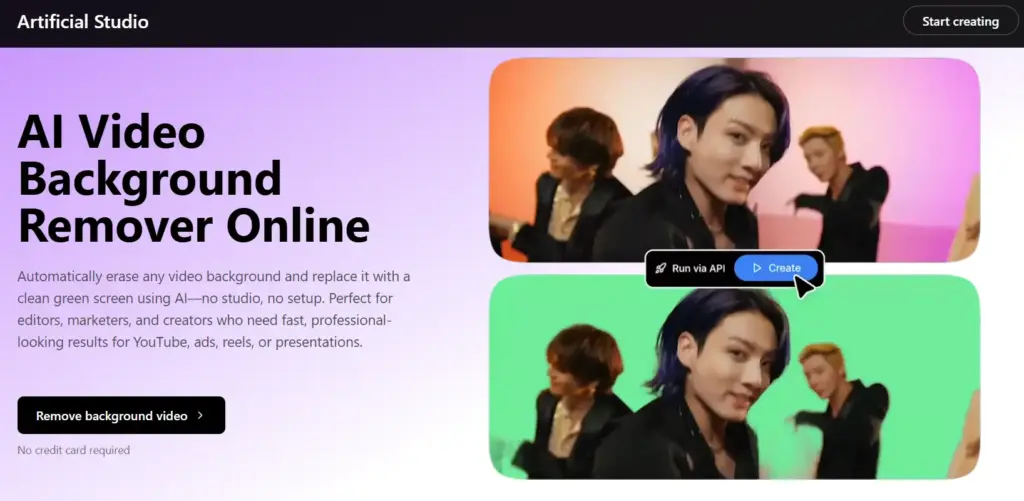
Rotoscoping is traditionally the most expensive and boring part of video editing, but Artificial Studio makes it accessible and fast.
Offloading CPU Stress to the Cloud
AI video processing is incredibly “heavy” on a computer’s hardware. If you don’t have a $3,000 PC with a dedicated GPU, your computer will likely freeze when trying to process 4K AI video. Artificial Studio solves this by doing all the work on their high-performance servers. You upload the clip, their servers do the heavy lifting, and you just download the result.
The “Clean Green” Output Philosophy
Artificial Studio is unique because it focuses on providing a “Digital Green Screen” output. While this might seem counter-intuitive, it’s actually a professional’s preference. By giving you a subject on a perfect, noise-free neon green background, they allow you to use your local editor’s “Keying” tools to fine-tune the edges and color match the subject to your new background perfectly. It’s the best of both worlds: AI speed with manual control.
Pricing Structure
- Free Tier: Limited daily use with watermarks.
- Pro Plan: $10.00 per month, which provides faster processing times and removes all watermarks from exported clips.
- Pay-As-You-Go Credits: Small bundles are available starting at $5.00 for users who only need the tool for occasional projects.
6. Akool – The Enterprise Production Ecosystem
Rounding out our list at number six is Akool. This is a platform designed for “The Big Leagues.”
It is used by marketing departments for Fortune 500 companies because it doesn’t just remove backgrounds-it manages the entire AI lifecycle of a video asset.
Enterprise Localization and Multi-Tool Integration
The “juice” in Akool is its multi-layered processing. In one single session, you can remove the background, use their “Face Swap” tool to change the actor’s appearance for a different demographic, and use their “Video Translation” to make the actor speak a different language with perfect lip-sync. This “Enterprise Suite” approach is what makes Akool indispensable for global brands that need to produce a hundred versions of a single ad.
High-End Security and Asset Management
For corporate users, security is a major concern. Akool provides enterprise-grade data protection, ensuring that your unreleased product videos aren’t leaked or used to train public AI models. Their dashboard also functions as an “Asset Manager,” allowing teams to collaborate on a single video project, making it the top choice for remote marketing teams in 2026.
Pricing Structure
- Free Trial: Limited credits to explore the various AI tools (Background Removal, Face Swap, etc.).
- Starter Plan: $21.00 per month (billed annually) for 50 credits.
- Professional Plan: $85.00 per month for 250 credits, designed for agencies.
- Enterprise: Custom quotes for massive scaling and dedicated support.
Understanding the Science Behind AI Video Matting and Segmentation
To truly understand why modern tools are so powerful, let’s break down the core technologies behind them.
Semantic Segmentation
This process labels every pixel in a frame as either subject or background. It forms the foundation of AI-based background removal.
Alpha Matting
Alpha matting refines segmentation by adding transparency values to pixels. This allows:
- Smooth edges
- Realistic hair details
- Accurate handling of glass, smoke, and motion blur
Together, these technologies create results that feel natural rather than artificially cut out.
Professional Tool Comparison Table
| Tool | Primary Use Case | Standout Feature | Export Formats | Pricing Model |
| Innova AI | Cinematic / Research | BiRefNet Accuracy | MP4, PNG Seq | Free (Open Source) |
| Cutout.pro | E-commerce / Agency | API & Batch Tools | MP4, MOV | $9.90/mo (Credit-based) |
| Vivideo.ai | Social Media / Vlog | Mobile Speed | MP4 (Optimized) | $12.99/mo Subscription |
| VideoBGRemover | Post-Production | ProRes 4444 Alpha | MOV, WebM Alpha | $1.50 – $3.00 / Min |
| Artificial Studio | Budget VFX | Digital Green Screen | MP4, Mask Only | $10.00/mo Subscription |
| Akool | Enterprise Marketing | Face Swap Integration | High-Res MP4 | $21.00/mo (Starter) |
Advanced Editorial Secrets for Studio-Quality Results
Even the “bestest” AI tool can struggle with poor input. To ensure your video is “ultra-human” and professional, follow these industry rules:
The Physics of Contrast
The AI works by finding “edges.” If you have blonde hair and stand in front of a white wall, the AI will struggle. Contrast is the “fuel” for the AI’s neural network. Always aim for a background that is significantly darker or lighter than your subject.
The “Shutter Speed” Secret
To get the cleanest AI cutout, film with a higher shutter speed (e.g., 1/120 or 1/200). This reduces motion blur in the raw footage, giving the AI a much clearer “edge” to track. You can always add “Digital Motion Blur” back in during the final edit to make it look cinematic.
Stability and Lighting
Use a tripod whenever possible. A steady shot allows the temporal consistency algorithms to work 10x more effectively, reducing “jitter” and flickering. Additionally, avoid shadows falling across your face from background objects, as the AI might mistake these for part of the background.
Conclusion: Finding the Right Tool for Your Creative Vision
The evolution from green screens to AI has democratized video production for everyone. The background is no longer a physical limitation; it is a creative choice. Whether you are using the technical precision of Innova AI or the enterprise power of Akool, the goal is the same: remove the noise and let your story take center stage. Select your tool based on your project’s technical needs and budget, follow the professional capture standards, and let your “juice” flow without limits.
